Call Automation for Small Businesses: The Complete 2026 Guide

Call automation for small businesses means using software to answer, route and handle your phone calls without a person picking up every time. That can be as simple as a menu that says "press 1 for bookings", or as advanced as an AI receptionist that holds a natural conversation, books appointments and answers questions at 2am.
If you're losing work because you're on a job, with a patient, or mid service when the phone rings, this guide is for you. We'll cover what call automation actually is, what it costs in the United Kingdom, how the main options compare, and a step by step plan to get set up without the jargon.
What Is Call Automation for Small Businesses?
Call automation is any technology that handles part or all of a phone call without a human receptionist. The caller still dials your normal number. What happens next depends on the system: a recorded menu, a forwarded call, or a voice AI that talks to the caller like a person would.
For a small business, the appeal is simple. You can't be on the tools and on the phone at the same time, and a full time receptionist is hard to justify. Automation fills that gap so every caller gets an answer.
The main types: auto attendants, virtual numbers, AI receptionists and auto dialers
- Auto attendant (IVR): the classic "press 1 for sales, press 2 for support" menu. Cheap and reliable, but callers often find menus frustrating, and it can only route calls, not resolve them.
- Virtual numbers and call forwarding: gives you a business number that redirects to your mobile or a team rota. Handy, but someone still has to answer.
- AI receptionists: a human like voice AI that greets callers, understands what they want, answers common questions, books appointments and takes messages. This is the newest category and the one growing fastest.
- Outbound auto dialers: software that makes calls for you, such as appointment reminders or quote follow ups. Useful for cutting no shows and chasing leads.
How an automated call actually works, step by step
Picture a boiler repair enquiry at 7pm. The caller dials your number and hears a natural greeting: "Thanks for calling Smith Heating, how can I help?" They say their boiler's stopped. The system picks up the intent, asks a couple of qualifying questions (address, boiler type, urgency), then either books a slot straight into your calendar, transfers the call to your on call mobile if it's an emergency, or takes a detailed message. Seconds later you get a text or email summary with everything written down. No voicemail, no lost lead.
Why Small Businesses Are Automating Their Calls
Because the maths on missed calls is brutal. Research cited by phone analytics firm 411 Locals found that small and mid sized businesses miss about 62% of calls. If more than half your callers never reach you, that's not a phone problem, it's a revenue problem.
The true cost of a missed call
Think about real situations. A plumber under a sink can't answer, and the caller with a burst pipe rings the next name on Google. A dental practice at lunch has one receptionist and three lines ringing. A restaurant mid service lets the booking calls go to voicemail, and most people don't leave voicemails. Each of those is a job, an appointment or a table that went to a competitor.
And the phone still matters. A BrightLocal study found that 60% of consumers choose to call local businesses after finding them on Google. Your Google profile generates the call. Automation makes sure someone, or something, answers it.
Automation for small businesses vs large businesses
Big companies automate calls to cut costs across huge teams. Small businesses gain something different: capability they never had. You get round the clock cover, instant answering and consistent lead capture without hiring anyone. Modern tools are priced and built for small teams, so what used to need a call centre now runs from an app. If you're a tradesperson, our page on call answering for tradies shows how this looks day to day.
Auto Attendant vs Answering Service vs AI Receptionist: Which Category Fits You?
These three categories get lumped together, but they solve different problems. Here's how they compare on the things that matter.
A side by side category comparison
| Auto attendant (IVR) | Live answering service | AI receptionist | |
|---|---|---|---|
| Availability | 24/7, but only routes | Usually extended hours, per minute billing | 24/7, every call answered instantly |
| Caller experience | Menus and button presses | A real person, quality varies by agent | Natural conversation, no hold time |
| Booking ability | No | Sometimes, via your diary link | Yes, books directly into your calendar |
| Takes detailed messages | Voicemail only | Yes | Yes, with transcripts and summaries |
| Cost structure | Low flat monthly fee | Per minute or per call, scales with volume | Flat monthly fee, predictable |
A quick self assessment checklist
- Under about 20 calls a week and just need routing? An auto attendant may be enough.
- Want a human voice and have low, predictable call volume? A live answering service can work.
- Need calls answered 24/7, appointments booked and leads qualified without per minute bills? An AI receptionist fits.
- Mostly need outbound reminders and follow ups? Look at AI outbound calling alongside an inbound setup.
What Does Call Automation Cost a Small Business?
We won't quote specific prices here because they change and vary by provider, but the pricing models are consistent. Understanding them tells you more than any price list. For current figures, check the Callacy pricing page as a reference point.
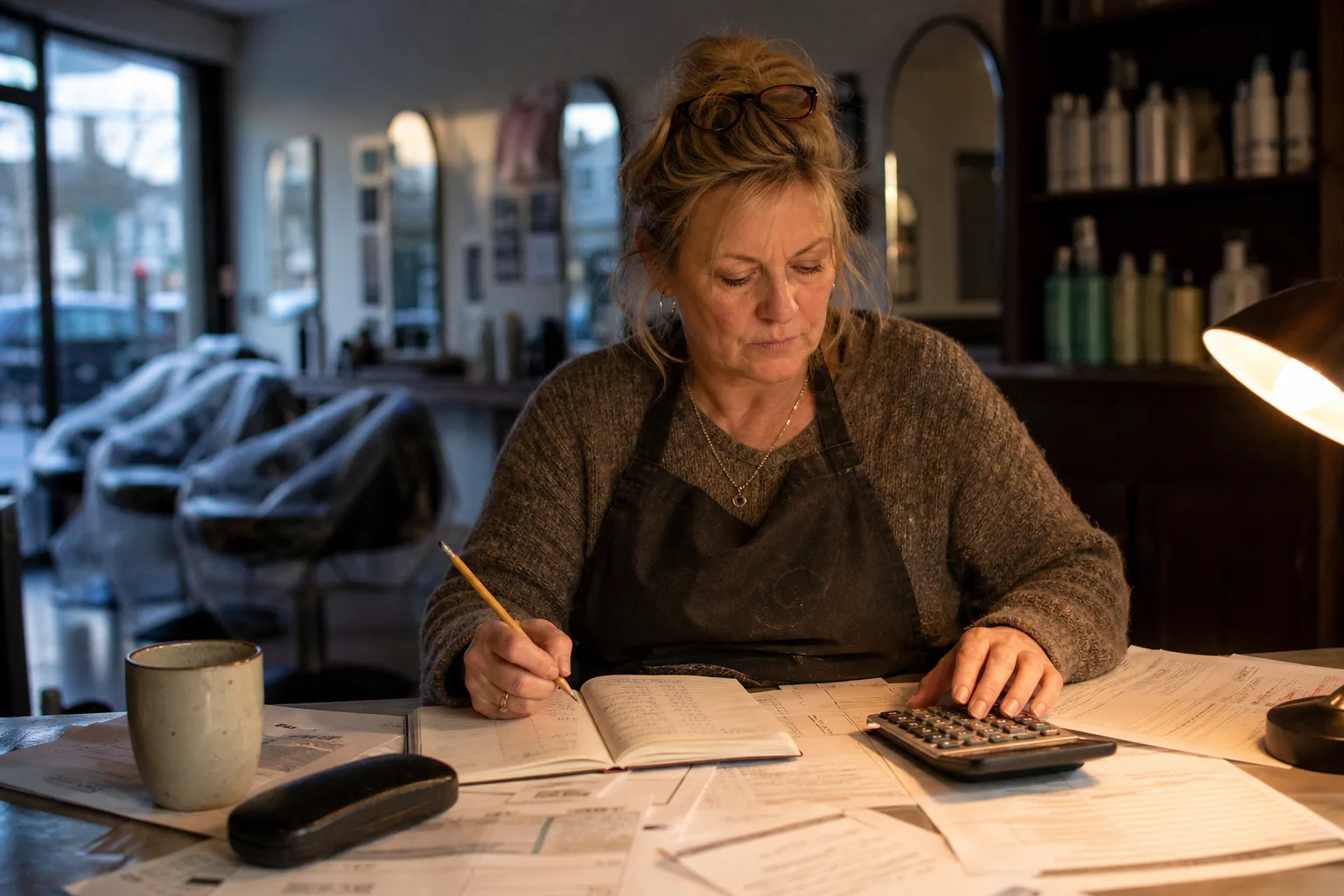
Pricing models explained: per minute, per month and free tiers
- Per minute or per call: common with live answering services. Fine at low volume, but a busy month can double your bill.
- Flat monthly subscription: common with AI receptionists and phone systems. You pay for a plan tier, usually based on call volume or features, so costs stay predictable.
- Free tiers and tools: free business number apps and basic voicemail to text services exist, but they rarely answer calls, can't book anything, and often lack United Kingdom number support or business hours logic. Fine for testing the water, not for running a front line.
Working out your cost per call, and what a captured call is worth
The formula is simple: monthly cost divided by calls handled. If your plan costs a fixed monthly amount and it answers 200 calls, your cost per call is that amount divided by 200. Now compare it to your average job or appointment value. If a captured boiler service, hygiene appointment or table booking is worth far more than the pennies per call the system costs, the return on investment speaks for itself. Most owners find the break even point is one or two captured jobs a month.
Key Features to Look For (and the Traps to Avoid)
Not every system does everything, so judge providers against this list:
- Call routing and transfers: can it send urgent calls to your mobile? Live call transfers matter for emergencies.
- Appointment booking with calendar sync: it should book into your real diary, not just take a name. See how AI appointment booking works in practice.
- Lead qualification: can it ask your questions (postcode, job type, budget) before you call back?
- CRM and integrations: call details should land in your customer CRM or existing tools automatically.
- Spam filtering: sales robocalls shouldn't eat your minutes.
- Recording, transcripts and analytics: you need to hear and read what callers said, and spot patterns in an analytics dashboard.
United Kingdom specific traps to check before you buy: (1) GDPR and recording consent. If calls are recorded, callers must be told, and you need a lawful basis for storing the data. (2) United Kingdom number handling. Can it read out and capture United Kingdom mobile and landline formats correctly? (3) "24/7 support" that's actually a United States team asleep during your working day. Ask where support sits and what hours they genuinely cover.
How to Choose and Set Up Call Automation: A Step by Step Plan
Here's the process we'd walk any small business through, from first thought to live calls.
Mapping your call flow before you buy
- Audit your missed calls for two weeks. Your phone's call log plus a notebook is enough. Count how many ring out, when they happen, and what they wanted.
- Map your ideal call flow on paper: greeting, the 3 to 5 things callers usually want, what should happen for each (book, transfer, message), and your after hours rules.
- Shortlist providers by category using the checklist above, then trial with real calls, not just demos.
Going live: scripts, testing and a two week review
- Write your greeting script. Keep it short: "Thanks for calling Bright Smile Dental, this is our automated assistant. I can book, change or answer questions about appointments. How can I help?"
- Test edge cases: a caller with a strong accent, a mumbled phone number, someone asking something odd, an angry caller. See how the system copes and where it hands off to a human.
- Go live, then review recordings and call transcripts after two weeks. Tweak the questions, the greeting and the transfer rules based on what real callers actually said.
If you want to see the mechanics first, the how it works page walks through a live setup.
When You Still Need a Human on the Phone
Honest answer: automation isn't right for every call. Complaints, distressed or vulnerable callers, complex negotiations and your VIP clients often need a person. A good system knows its limits and hands these over gracefully rather than fumbling through.
That's why the hybrid model works best for most small businesses. Automation handles the routine 80% (bookings, opening hours, directions, message taking, after hours cover) and escalates the rest to you or your team. Callers get an instant answer either way, and you only spend phone time where a human genuinely adds value.
Will callers mind? In our experience they mind hold music and voicemail far more than a capable automated assistant that sorts their request in one call. Speed and getting the job done is what people remember.
Frequently asked questions
What is the best automated phone answering system for small businesses?
There's no single best system, only the best fit for your call pattern. Low volume with simple routing needs suits an auto attendant. If you need 24/7 answering, appointment booking and lead capture on a predictable budget, an AI receptionist is usually the strongest option. Use the self assessment checklist in this guide to match the category to your business.
Is there a free automated call service available?
Free tiers and basic business number apps exist, but they're limited. They typically give you a number and voicemail, sometimes with transcription, but they don't answer calls, can't book appointments, and often lack proper United Kingdom number support. They're fine for a side project, but a business that depends on inbound calls will outgrow them quickly.
How do I automate my business phone calls?
Follow the step by step plan above: audit your missed calls, map your ideal call flow, shortlist providers by category, trial with real calls, write a greeting script, test edge cases, then review recordings after two weeks. Most small businesses can go from sign up to live calls within a day or two.
How much does call automation cost for a small business?
Costs vary by provider and model, so we don't quote specific prices here. Live answering services usually bill per minute or per call, while AI receptionists typically charge a flat monthly fee based on volume. Work out your cost per call (monthly cost divided by calls handled) and compare it to your average job value to judge whether it pays for itself.
What is the difference between an auto attendant and an AI receptionist?
An auto attendant plays a recorded menu and routes calls based on button presses. It can't answer questions or book anything. An AI receptionist holds a natural conversation: it understands what the caller wants, answers common questions, books into your calendar and takes detailed messages. One routes, the other resolves.
Is call automation worth it for a very small business or sole trader?
Often it's worth the most for sole traders, because you're the one missing calls while doing the work. If you miss even a handful of enquiries a week and your average job is worth more than a few pounds, capturing one or two extra jobs a month typically covers the cost. Start with a trial and measure what it captures.