Virtual Receptionist NZ: AI vs Human Services Explained (And How to Choose)
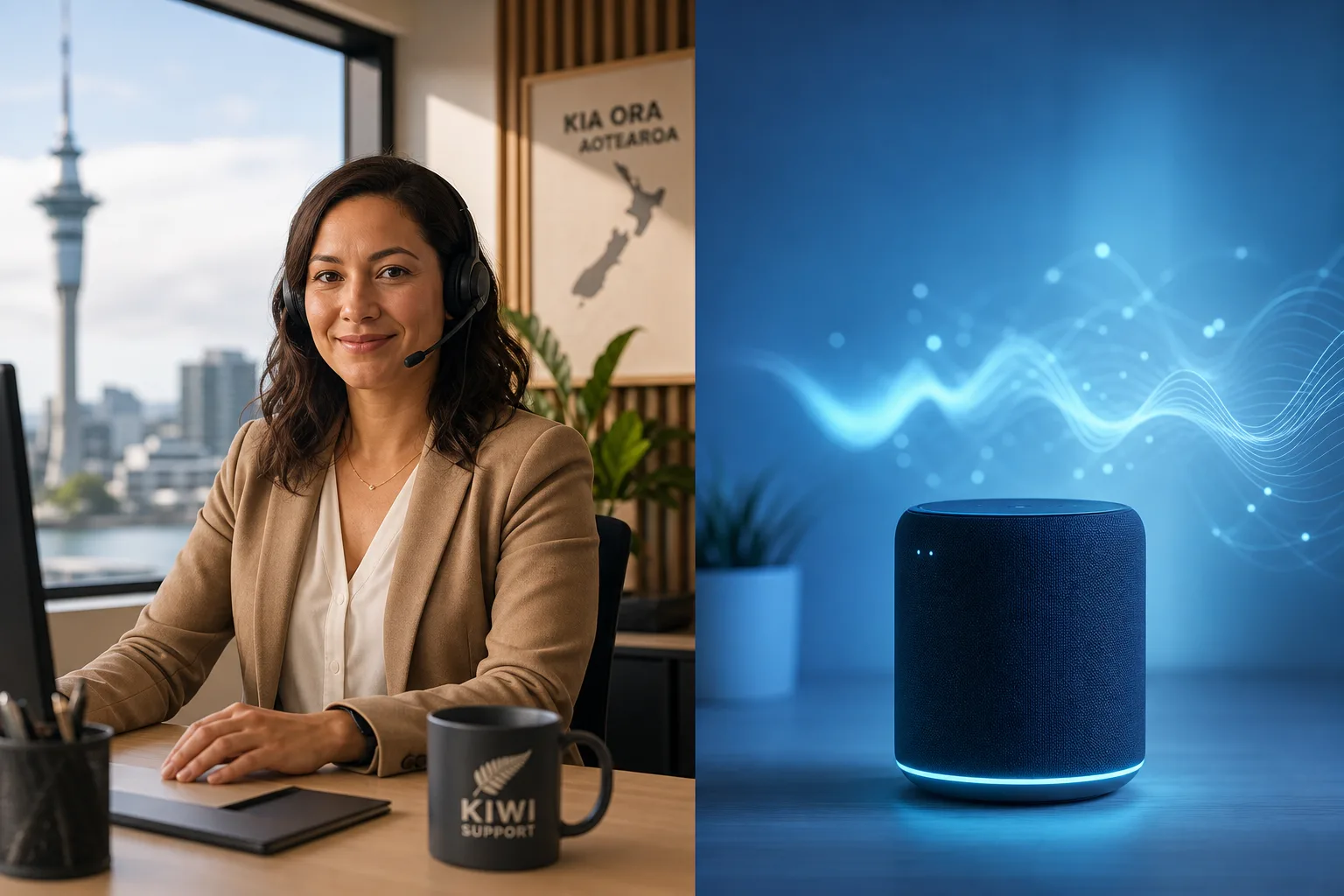
A virtual receptionist NZ service is a remote call-answering solution, either a live human agent or AI voice technology, that answers inbound calls in your business name, takes messages, books appointments, and handles front-desk tasks without a permanent hire. Businesses across Auckland, Wellington, Christchurch, and other NZ centres find this especially practical as a flexible way to stay reachable, and the benefit shows up fast: industry research suggests around 85% of callers who reach voicemail never ring back.
There are two very different ways to get this kind of coverage: a human-staffed virtual receptionist service, or an AI receptionist that uses voice AI to handle calls automatically. Both answer in your business name, both can take messages and route calls, but they work differently, price differently, and suit different business situations. This guide helps you match the right solution to your company.
What a Virtual Receptionist Actually Does for Your Business
A virtual receptionist is a remote service, either a person or an AI, that answers your inbound calls on your behalf. The caller hears your business name, gets a professional response, and either has their query resolved or is connected to you.
The core job: answering, routing, and capturing every call
At a baseline, every virtual receptionist service does three things: answers the call before it hits voicemail, captures the reason for the call, and routes or responds appropriately. That might mean transferring to you, booking an appointment, qualifying a lead, or taking a detailed message.
Think of a plumber on a job under a sink when a new customer rings about a burst pipe. Without a receptionist, that call goes to voicemail and the customer rings the next plumber on Google. With a virtual receptionist, the call is answered, the details captured, and the lead is waiting when the job is done.
Tasks that go beyond simple message-taking
Modern virtual receptionist services go well beyond relaying messages. Depending on the provider, they can handle appointment scheduling synced to your calendar, lead qualification (asking the right questions to separate hot leads from time-wasters), FAQ responses, and call logging so nothing falls through the cracks.
This is especially valuable for NZ businesses: 97% of New Zealand businesses have fewer than 20 employees (MBIE), which means most Kiwi owners are wearing too many hats to answer every call professionally.
Two Very Different Models: Human Virtual Receptionists vs AI Receptionists
Understanding the structural difference between these two service types matters before you spend a dollar on either.
How human-staffed answering services operate
Human virtual receptionist services employ remote staff who answer calls on behalf of multiple clients. You get a real person's voice, the ability to handle unusual conversations, and genuine rapport with callers. Billing is typically per minute or per call, which means costs scale directly with volume.
The trade-off is coverage. Human services have shift schedules, and true 24/7 coverage across weekends and NZ public holidays can cost significantly more or may not be available at all. Response quality can also vary by agent.
How AI receptionists handle calls differently
An AI receptionist uses voice AI to hold a natural-sounding conversation with your callers. It's available every hour of every day without overtime costs, handles any call volume without putting people on hold, and responds consistently every time. Pricing is typically a flat monthly SaaS fee rather than per-minute billing, so your costs are predictable regardless of how busy things get.
Callacy's AI receptionist is built specifically for New Zealand businesses on this model: human-like voice AI that answers calls 24/7, books appointments, qualifies leads, and logs every interaction automatically.
Where the two approaches overlap
- Answer calls in your business name, giving callers a professional first impression
- Capture caller details and relay messages so nothing falls through the cracks
- Handle common enquiries like hours, location, and pricing FAQs
What an AI Virtual Receptionist Can (and Cannot) Do
Honesty here matters. AI receptionists are genuinely excellent at certain tasks and still developing in others.
Automated tasks AI handles confidently
- Answering every call instantly with zero hold time, day or night
- Booking appointments directly into your calendar using live availability
- Running through lead qualification questions and logging responses
- Giving consistent answers to FAQs about your services, location, or hours
- Sending call summaries or notifications to you after each call
Situations where human judgment still adds value
Highly emotional conversations, such as a distressed patient calling a medical clinic, or a caller with a complex complaint requiring empathy and real-time problem solving, are still areas where a skilled human adds something. AI handles tone and context well, but a nuanced multi-step dispute may be better served by a person.
How modern voice AI bridges the gap
Modern voice AI bridges the gap through escalation workflows. If a request falls outside its configuration, it transfers to an on-call number, flags an urgent message, or offers a callback, so no caller hits a dead end. See how Callacy handles call flows for a practical example.
The right question is not 'can AI handle every possible call?' It's 'can AI handle most of my calls well, and route the rest intelligently?'
Which NZ Businesses Get the Most Value From a Virtual Receptionist
Businesses that benefit most are those with high call volumes, irregular hours, or lean teams, typically trades, professional services, and growing SMBs across Auckland and other NZ regions.
Trade and field service businesses missing calls on the job
A builder, electrician, or plumber can't answer their phone while working. Every missed call is a potential quote that goes to a competitor. An AI receptionist answers immediately, asks qualifying questions (what's the job, what suburb, when do you need it?), and logs the lead for a callback, all while the tradie stays focused on the work.
Professional services firms that can't staff a full-time front desk
Accountants, lawyers, physios, and consultants typically operate lean. A solo GP or a two-person law firm doesn't have a dedicated receptionist, but their clients expect a professional response. A virtual receptionist for business gives that professional front-end without the overhead of a salary.
Growing SMBs not ready to hire reception staff
Hiring a part-time receptionist adds cost, HR obligations, and covers maybe 30-40 hours a week. An AI service covers 168 hours a week from day one. For businesses growing quickly but not yet at the size where a full-time hire makes sense, this is often the most practical bridge.
Businesses that need genuine after-hours and weekend coverage
Use the decision framework above to pick AI or human. You set up your call script, connect your calendar, and forward your business number. No long procurement cycle or contract negotiation required.
AI Receptionist vs Human Receptionist: A Decision Framework for NZ Buyers
Rather than a generic recommendation, use these questions and checklists to match your situation to the right service type.

Questions to ask before choosing a service type
- How many calls do you receive per week, and how many go unanswered?
- Are your calls mostly repeatable types (bookings, enquiries, quotes) or highly varied?
- Do you need coverage outside standard business hours, including weekends and public holidays?
- How important is cost predictability versus paying per call or per minute?
- Do your callers regularly need empathy or complex problem solving in real time?
Checklist: signs an AI receptionist is the right fit
- You need 24/7 coverage including public holidays without paying premium rates
- Your calls are mostly repeatable: bookings, FAQs, lead capture, general enquiries
- You want a flat monthly cost that doesn't scale unpredictably with call volume
- You want to be set up and live within days, not weeks
- You're a sole operator or small team without the capacity to manage a human service relationship
Checklist: signs a human service may suit you better
- Your callers regularly arrive in emotional distress and need empathetic human engagement
- Your call types are highly unpredictable and require real-time judgment calls
- Your industry has regulatory requirements around human verification or consent
- You prefer paying per call or per minute and have very low, inconsistent call volume
Virtual Receptionist NZ vs Answering Service: Is There a Difference?
In New Zealand, the terms 'answering service' and 'virtual receptionist' are often used interchangeably, but they describe different levels of service. An answering service typically focuses on message relay: answer the call, take a message, send it through. That's useful but limited.
A virtual receptionist service takes on a broader front-desk role: booking appointments, qualifying leads, handling FAQs, and sometimes transferring live calls. When you're comparing providers, look at the features each one actually performs rather than accepting the label at face value. Some 'answering services' now offer full virtual receptionist features, especially AI-powered ones.
If you need more than message-taking, make sure the service you're evaluating explicitly handles your required tasks. It's also worth checking the industries we serve to see whether your sector has specific call-handling needs already covered.
How to Get Started With a Virtual Receptionist Service in NZ
Step 1: Map your current call types and volumes
Before signing up for anything, spend a week tracking your inbound calls. How many come in? When do they come in (after hours, weekends)? What do callers mostly want? Bookings, quotes, directions, support? This data shapes everything else.
Step 2: Define the tasks you need automated or handled
Write down the specific outcomes you need from your receptionist service. 'Book appointments into my Google Calendar' is more useful than 'handle my calls.' The more specific you are, the easier it is to evaluate whether a service can actually deliver.
Step 3: Choose your service model and set up your account
Use the decision framework above to pick AI or human. AI-based platforms like Callacy can typically be configured and live within a day or two, no long procurement cycle or contract negotiation required. You set up your call script, connect your calendar, and forward your business number.
Step 4: Test, iterate, and monitor call quality
Don't set it and forget it. In the first few weeks, listen back to call recordings (most platforms provide them), check that bookings are landing correctly, and adjust your script based on real caller questions you hadn't anticipated. This iteration phase is where you get the most from the service.
What to Look for When Comparing Virtual Receptionist Services in NZ
When comparing virtual receptionist services in NZ, including providers like ReceptionHQ and AI-based options, focus on five factors: coverage hours, integrations, pricing model, call quality, and contract flexibility. Use this checklist when evaluating any provider, including Callacy, against your business's actual needs.
Coverage hours and public holiday handling
Confirm exactly what 24/7 means for a given provider. Some human services reduce to message-only after hours. Check explicitly whether NZ public holidays are covered at standard rates or attract surcharges.
Integration with your calendar and CRM tools
Appointment booking is only useful if it connects to your actual calendar. Ask whether the service integrates with Google Calendar, Outlook, or your practice management software. Similarly, if you use a CRM, check whether call data and lead details are passed across automatically.
Pricing model transparency and contract flexibility
Understand whether you're on per-minute billing, per-call billing, or a flat monthly SaaS fee. Each model suits different call volumes. Also check contract length: month-to-month flexibility is worth prioritising when you're still testing whether the service suits your workflows. The Callacy how it works page outlines the setup process if you want a concrete reference point.
Call quality, voice naturalness, and consistency
For AI services, ask for a live demo or trial call so you can hear the voice quality yourself. The gap between different AI voice platforms is large. A robotic-sounding AI that frustrates callers is worse than no receptionist. For human services, ask about agent training, accent consistency, and how they handle high-volume periods without putting callers on hold.
Frequently asked questions
What is a virtual receptionist and how does it work for NZ businesses?
A virtual receptionist answers your inbound calls remotely, either using a human agent or AI voice technology, and handles tasks like taking messages, booking appointments, and qualifying leads. For NZ businesses, it means staying available to callers without hiring a full-time staff member. Calls are forwarded to the service and handled in your business name.
What is an AI virtual receptionist and how is it different from a human one?
An AI virtual receptionist uses voice AI to hold natural conversations with callers and complete tasks like booking appointments or answering FAQs automatically. Unlike a human service, it's available 24/7 with no shift limits, no hold times, and consistent responses every call. The pricing is typically a flat monthly fee rather than per-minute billing.
Can a virtual receptionist book appointments and qualify leads automatically?
Yes, modern virtual receptionist services, especially AI-based ones, can book appointments directly into your calendar and run through qualification questions to assess lead quality. The key is confirming that the service integrates with your specific calendar or booking tool before signing up.
Is a virtual receptionist available 24/7 including weekends and public holidays?
AI receptionist services are available around the clock by design, including NZ public holidays, at no extra charge. Human-staffed services vary: some offer true 24/7 cover, others revert to message-only or charge premium rates after hours. Always confirm this explicitly before committing.
What happens if a caller has a complex or unusual question?
Most AI receptionist platforms handle edge cases through escalation workflows. If the AI can't resolve a request, it can take a detailed message marked as urgent, offer a callback time, or transfer to an on-call number. The goal is that no caller hits a dead end, even when the query falls outside standard scripts.
How do I know if an AI receptionist is the right fit over a human answering service?
AI is generally the better fit if your calls are mostly repeatable types (bookings, enquiries, quotes), you need genuine 24/7 coverage, and you want predictable flat-rate pricing. A human service suits you better if your callers frequently need emotional support or if your call types are highly unpredictable and require real-time judgment. Use the checklist in the decision framework section above to map your situation.