Appointment Booking Automation: The 2026 Guide for New Zealand Small Businesses
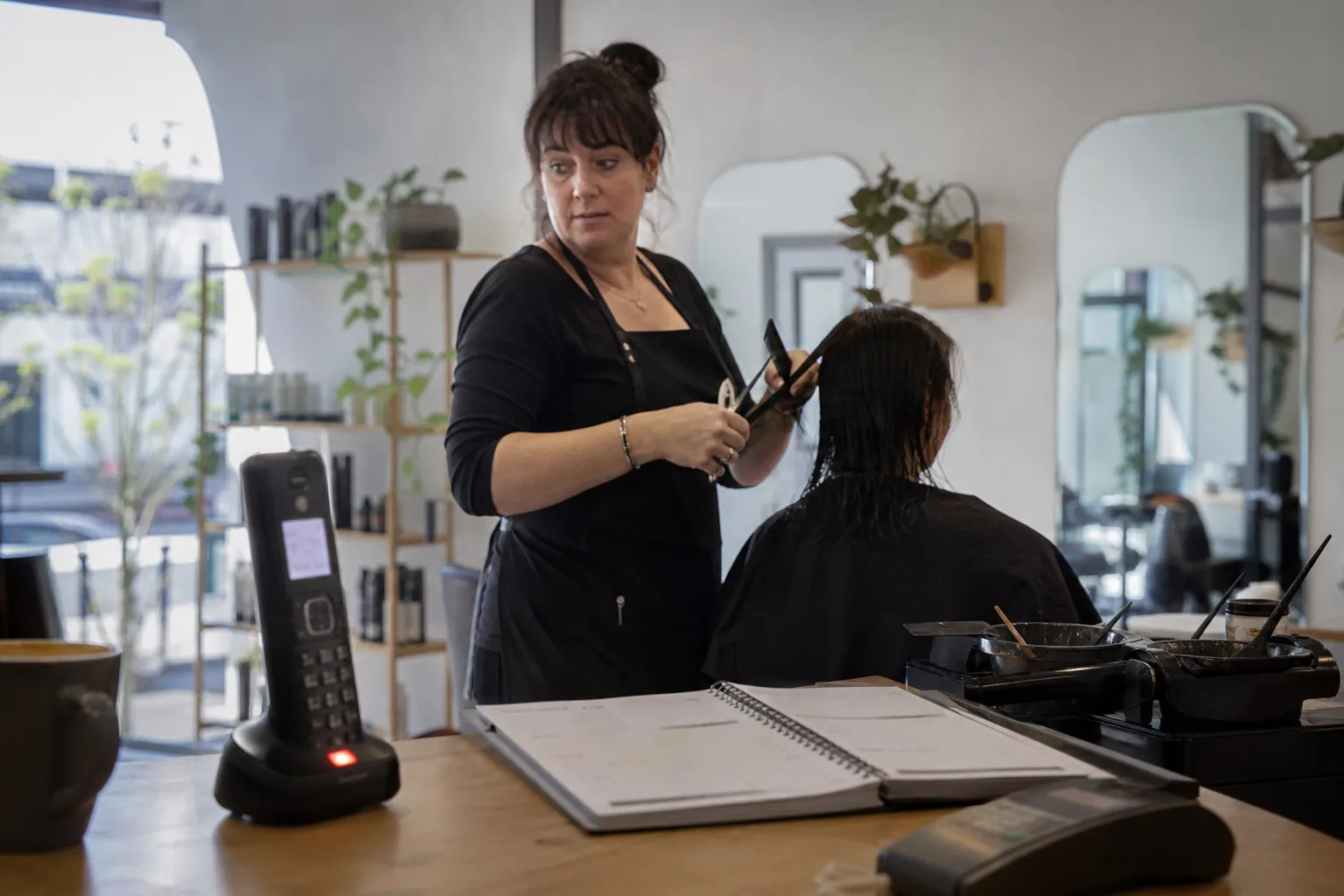
If you're losing bookings to missed calls, after hours inquiries, or a front desk that's stretched too thin, appointment booking automation is probably the fix you're looking for. It captures bookings, confirms them, sends reminders, and handles reschedules without you lifting a finger.
This guide is written for New Zealand small and medium business owners who are actively comparing options. We'll cover how it works, the three main types of tools, what to look for, what it costs, and how to set it up without disrupting your team.
What Is Appointment Booking Automation?
Appointment booking automation is software that handles the entire booking process for you. It captures the request, checks your availability, confirms the slot, sends reminders, and manages reschedules or cancellations. No manual data entry, no back and forth emails, no sticky notes on the desk.
It's different from a basic digital calendar. A calendar shows you what's booked. Automation does the booking for you, whether the request comes through your website, a phone call, or a social media message.
For small businesses, this matters because bookings often arrive when you're busiest or closed. A tradie under a house can't answer the phone. A clinic receptionist juggling three patients can't always pick up. Automation fills those gaps.
How it works from first inquiry to confirmed booking
A customer calls, visits your website, or sends a message asking for an appointment. The system checks your real time availability, offers suitable slots, and confirms the booking instantly. It then sends a confirmation by text or email, adds the appointment to your calendar, and schedules reminders.
If the customer needs to reschedule, they can do it through a link or by calling back. The system updates your calendar and notifies you. If the request is too complex, it escalates to a human.
What is appointment scheduling software vs a plain calendar?
A plain calendar is passive. You manually add appointments and hope nothing clashes. Appointment scheduling software is active. It takes bookings, prevents double bookings, sends reminders, and syncs across devices.
Think of it this way: a calendar is a notebook. Scheduling software is a receptionist who never sleeps.
The Three Main Ways to Automate Appointment Booking
There are three broad categories of appointment booking automation, and each suits a different type of business.
- Self serve scheduling links and booking pages. Customers book themselves through a link on your website, social media, or email signature. Great for online first businesses like consultants or coaches. Doesn't help if most of your bookings come by phone.
- Workflow and calendar automations. These connect your existing tools (like Google Calendar) to forms, email, or CRM systems. When someone fills out a form, the automation creates the booking and sends confirmations. Good for businesses already using digital tools, but still relies on the customer initiating online.
- AI voice receptionists. An AI receptionist answers your phone 24/7, talks to callers in natural language, and books appointments directly into your calendar. This covers phone bookings, after hours calls, and overflow when your team is busy. Ideal for trades, clinics, salons, and any business where the phone is still the main booking channel.
Each approach has strengths. Scheduling links are cheap and simple. Workflow automations are flexible. AI receptionists cover the phone channel, which is where many New Zealand small businesses still get most of their bookings.
Key Features to Look For
Not all booking automation is created equal. Here's what to check before you commit.
- Two way calendar sync. The system should read your calendar in real time and write new bookings to it instantly. Google Calendar sync is nonnegotiable for most small businesses.
- Conflict and buffer handling. It should prevent double bookings and automatically add buffer time between appointments if you need it.
- Automated confirmations and reminders. SMS and email confirmations reduce no shows. According to booking platform data, SMS messages have a 98% open rate compared to 20% to 25% for email, so text reminders are worth prioritising.
- Easy rescheduling and cancellation. Customers should be able to change their booking without calling you. This frees up your time and keeps your calendar accurate.
- Human escalation. If the system can't handle a request, it should transfer the call or flag it for your team. Complex bookings still need a human touch.
- Integrations. Check whether it connects to your CRM, practice management software, or invoicing tool. This saves double handling and keeps records tidy.
Calendar sync and conflict handling
Two way sync means the system reads your calendar to see when you're free, then writes new bookings back to it. If you manually block out time for a job or a personal appointment, the system respects that. If someone books online, it appears in your calendar immediately.
Conflict handling prevents double bookings. Buffer handling adds breathing room between appointments, which is essential if you're a mobile tradie or a clinic that needs time to clean up between patients.
Reminders, rescheduling, and no show reduction
Automated reminders are one of the biggest wins. A 2026 Zoho survey found that 41% of businesses improved their customer experience by automating appointment booking, and reminders play a big part in that.
Rescheduling should be self serve. If a customer can change their booking through a link or a quick call to an AI receptionist, they're far more likely to give you notice rather than just not showing up. That gives you time to fill the slot.
Which Approach Fits Your Business?
The right tool depends on how your bookings actually arrive. Here's a simple framework.

Mostly phone bookings: If you're a tradie, a medical clinic, a salon, or any business where customers still prefer to call, an AI receptionist is the best fit. It answers every call, books appointments, and covers after hours and overflow. A scheduling link won't help if your customers aren't using your website to book.
Mostly online bookings: If you're a consultant, coach, or professional service provider and most of your clients find you online, a scheduling link or booking page is probably enough. Pair it with calendar automation to handle confirmations and reminders.
A mix of both: If you get bookings by phone and online, you need both channels covered. Use a scheduling link on your website and an AI receptionist for your phone line. That way, you're not losing bookings no matter how customers prefer to reach you.
For example, a Hamilton plumbing business might get 80% of bookings by phone, often after hours when someone's hot water cylinder has burst. An AI receptionist captures those calls. A Wellington physiotherapy clinic with a busy front desk might use both: online booking for existing patients, and an AI receptionist to handle overflow calls during peak times.
What Does Appointment Booking Automation Cost?
Pricing varies widely depending on the type of tool and how it's structured. Here's what you'll typically see.
Per user subscriptions: Common for scheduling software. You pay a monthly fee for each team member who needs access. Works well for small teams but can get expensive as you grow.
Per booking or per appointment fees: Some platforms charge a small fee for each booking made through the system. This can be cost effective if you have low volume, but adds up quickly for busy businesses.
Usage based voice AI plans: AI receptionists often charge based on call volume or minutes used. You pay for what you use, which suits businesses with fluctuating call volumes.
Flat monthly rates: Some providers offer unlimited bookings or calls for a fixed monthly fee. This is predictable and works well if you have steady volume.
For a detailed breakdown of what Callacy offers, check the pricing page for New Zealand businesses.
Common pricing models
Most small businesses end up paying somewhere between a basic subscription and a usage based plan. The key is to match the pricing model to your booking volume and channel mix.
If you're mostly online and low volume, a per user subscription or per booking fee makes sense. If you're phone heavy and get calls at all hours, a flat monthly rate for an AI receptionist often works out cheaper than hiring even a part time receptionist.
Working out the ROI for your business
Start by estimating how many calls or booking inquiries you miss each week. For many small businesses, it's 5 to 10. Multiply that by your average booking value.
Then factor in no shows. If automated reminders cut your no show rate even by a third, that's recovered revenue. A 2026 survey by Zoho found that 44% of businesses reported improved appointment scheduling automation after switching to scheduling software, and reduced no shows are a big part of that improvement.
Compare the total value of recovered bookings and reduced admin time against the monthly cost of the automation. For most businesses, the ROI is clear within the first month.
How to Set Up Appointment Booking Automation: A Practical Checklist
Setting up booking automation doesn't need to be complicated, but it does need to be done properly. Here's a step by step checklist.
- Define your booking rules. List your services, how long each takes, what buffer time you need between appointments, and your availability. Be realistic. If you're a mobile tradie, factor in travel time.
- Connect your calendar. Sync your Google Calendar or whatever system you use. Make sure two way sync is working: the automation should read your availability and write new bookings back to it.
- Set up confirmations and reminders. Write clear, friendly confirmation and reminder messages. Include the date, time, location, and any prep instructions. Schedule reminders for 24 to 48 hours before the appointment.
- Configure rescheduling and cancellation flows. Decide how customers can change their bookings. A link in the confirmation message is the easiest option.
- Set escalation paths. Decide what happens when the system can't handle a request. Does it transfer the call to your mobile? Send you a text? Make sure there's always a human fallback for complex or urgent situations.
- Test with real scenarios. Before going live, test the system with actual booking scenarios. Book an appointment yourself. Reschedule it. Cancel it. Call after hours. Make sure everything works as expected.
- Go live gradually. Start with after hours coverage or overflow calls. Monitor bookings and no show rates for the first month. Once you're confident, expand to full coverage.
Common setup mistakes to avoid: over complicating your booking rules (keep it simple), not testing before going live, and not setting up a human escalation path. Automation should make your life easier, not create new problems.
Getting Started Without Disrupting Your Front Desk
The biggest concern most business owners have is disruption. Will it confuse customers? Will it create more work for staff? The answer is no, if you roll it out sensibly.
Start with after hours and overflow coverage. Let the automation handle calls when you're closed or when your team is too busy to pick up. This is where you're losing the most bookings anyway, so it's the quickest win.
Measure everything for the first month. How many bookings did the system capture? What's your no show rate? How much time is your team saving on phone tag and manual scheduling? Use that data to decide whether to expand.
Remember, automation is there to support your team, not replace their judgement. Complex bookings, upset customers, and unusual requests still need a human. The goal is to free your team from repetitive admin so they can focus on the work that actually needs a person.
If you're ready to see how this works in practice, learn how Callacy's AI receptionist works or compare it to other options.
Frequently asked questions
What is appointment scheduling software and how does it differ from a basic online calendar?
Appointment scheduling software actively manages bookings for you. It captures requests, checks availability, confirms appointments, sends reminders, and handles reschedules. A basic online calendar is passive. It just shows you what's booked. You still have to do all the work manually.
How does appointment booking automation actually work from first inquiry to confirmed booking?
A customer contacts you by phone, website, or message. The system checks your real time availability, offers suitable slots, and confirms the booking instantly. It sends a confirmation by text or email, adds the appointment to your calendar, and schedules reminders. If the customer needs to reschedule, they can do it through a link or by calling back.
Can appointment booking automation work with Google Calendar?
Yes, most modern booking automation tools sync with Google Calendar. Look for two way sync, which means the system reads your calendar to see when you're free and writes new bookings back to it instantly. This prevents double bookings and keeps everything up to date.
How much does appointment booking automation cost for a small business?
Costs vary depending on the pricing model. You'll typically see per user subscriptions, per booking fees, usage based plans for voice AI, or flat monthly rates. The right model depends on your booking volume and channel mix. For most small businesses, the ROI from recovered bookings and reduced admin time justifies the cost within the first month.
Can automation handle bookings that come in by phone, not just through a website form?
Yes, if you use an AI voice receptionist. It answers your phone 24/7, talks to callers in natural language, and books appointments directly into your calendar. This is essential for businesses where most bookings still arrive by phone, like trades, clinics, and salons.
Will automated reminders really reduce no shows?
Yes. Automated SMS and email reminders are one of the most effective ways to reduce no shows. According to booking platform data, SMS messages have a 98% open rate compared to 20% to 25% for email, so text reminders are particularly effective. Giving customers an easy way to reschedule also helps convert potential no shows into cancellations, giving you time to fill the slot.