What Is an AI Receptionist? A 2026 Guide for Canadian Businesses
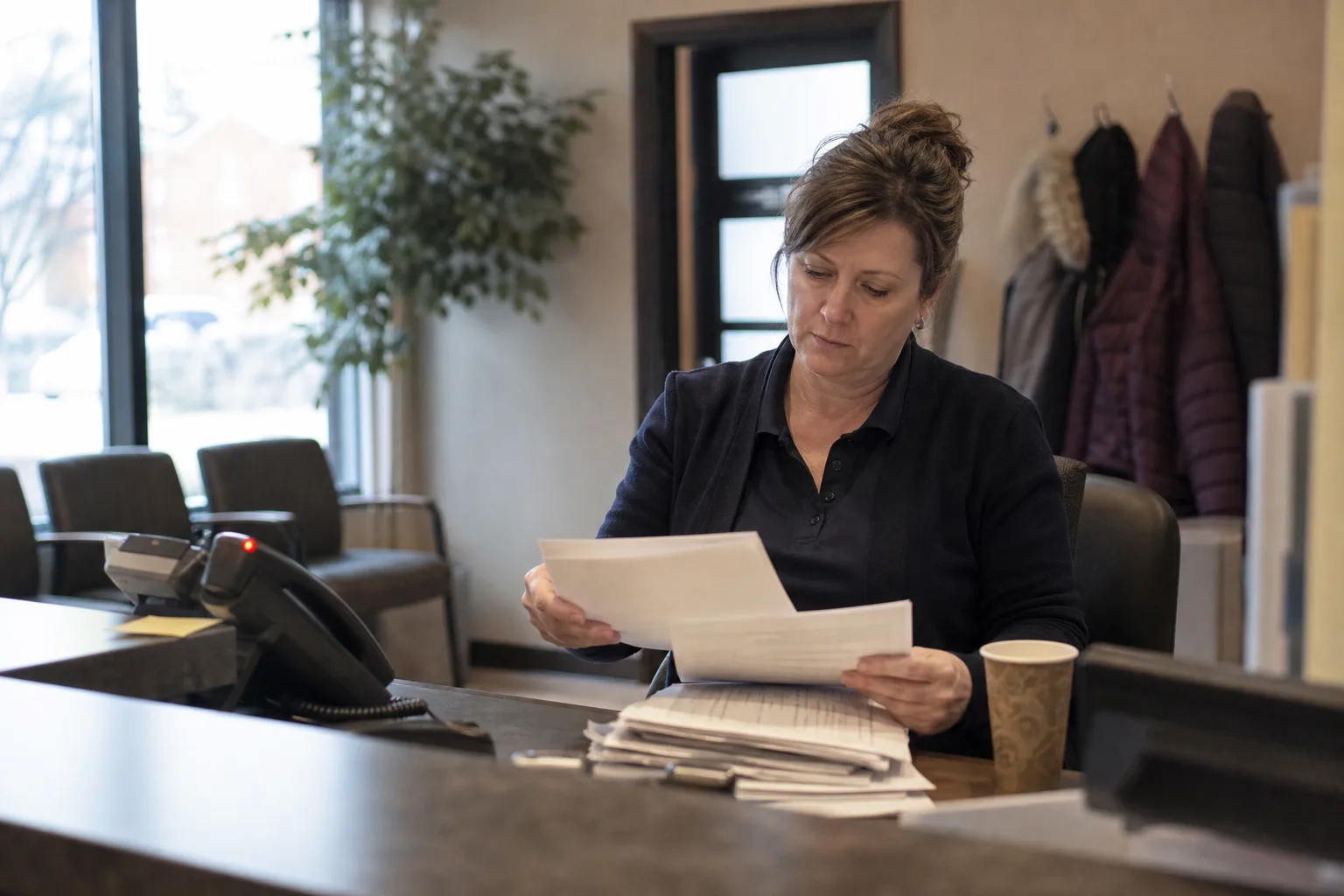
An AI receptionist is software that answers your business phone with a human like voice, understands what callers say in plain language, and takes action: booking appointments, answering questions, capturing leads and routing urgent calls. It works around the clock, so no call goes to voicemail at 9 pm on a Saturday.
That matters more than most owners realize. Roughly 62% of small business calls go unanswered, and about 85% of people who reach voicemail never call back. They just dial your competitor instead.
This guide explains what an AI receptionist actually does, how the technology works, how it compares to human staff and answering services, and what Canadian businesses should check before buying.
What Is an AI Receptionist?
If you're asking what is an AI virtual receptionist, picture a front desk employee who never sleeps, never takes lunch and never puts anyone on hold. It's a voice AI system trained on your business: your services, hours, prices, policies and booking rules. When someone calls, it greets them, listens, figures out what they need and handles it in real time.
Adoption has moved fast. 78% of organizations actively use AI in at least one business function in 2024, up from 55% the year before. Phone answering is one of the most common entry points because the payoff is immediate and measurable.
How it differs from a phone menu or voicemail
A traditional phone menu (press 1 for hours, press 2 for bookings) forces callers to adapt to the machine. An AI receptionist flips that: the caller just talks, and the machine adapts. There's no tree to memorize and no dead ends.
Voicemail is even weaker. It's a recording box that captures maybe one message in five and does nothing with it. An AI receptionist has a two way conversation, completes tasks during the call, and sends you a summary afterward. The gap between those two experiences is the entire point.
What Does an AI Receptionist Do?
So what does an AI receptionist do on a normal Tuesday? More than most owners expect. Here's the core workload a good virtual receptionist AI can carry.
Core call handling tasks
- Answer every call, 24/7. No missed calls during lunch rushes, evenings or holidays.
- Answer common questions from a knowledge base you provide: hours, location, pricing ranges, prep instructions, policies.
- Take detailed messages and deliver them by text or email instantly.
- Filter spam and robocalls so your phone only rings for real customers.
- Send transcripts and summaries after each call so you know exactly what happened.
Beyond answering: booking, qualifying, and routing
The bigger value is in the actions. An AI business receptionist can book appointments straight into your calendar, qualify new leads with your intake questions, and route urgent calls to a human.
Two quick scenarios. A salon caller at 10 pm asks for a Saturday balayage slot: the AI checks the calendar, offers two times, books one and sends a confirmation text. A clinic patient calls after hours with chest pain: the AI recognizes urgency keywords and transfers to the on call line or directs them to emergency services. Routine handled, emergencies escalated.
How an AI Receptionist Works Behind the Scenes
You don't need to understand the engineering to use one, but a rough picture helps you evaluate vendors. Every call runs through the same pipeline in a few seconds.
- Speech to text. The caller's words are converted to text as they speak.
- Understanding. A language model figures out intent (book, cancel, ask, complain) and pulls out details like names, dates and symptoms.
- Your business brain. The AI checks its knowledge base, which you build during setup from your website, service list, FAQs and policies.
- Action. It talks to your calendar, booking software or CRM to check availability, create appointments or log a lead.
- Text to speech. The reply is spoken back in a natural voice, with pauses and tone that sound like a person.
Setup is where the AI 'learns' your business. You feed it your services, pricing approach, booking rules and escalation triggers, then test with practice calls. After launch, every call is logged with a recording, transcript and summary, so you can review how it handled real situations and tighten the instructions. Platforms like Callacy walk through this flow step by step if you want to see it in action.
AI Receptionist vs Human Receptionist vs Answering Service
These three options solve the same problem differently. The right pick depends on your call volume, budget and how complex your calls get.

| Factor | AI receptionist | Human receptionist | Answering service |
|---|---|---|---|
| Availability | 24/7, every call answered | Business hours, breaks, sick days | Often 24/7 but with queues |
| Cost structure | Flat monthly subscription | Salary, benefits, training | Per minute or per call billing |
| Consistency | Same script and quality every time | Varies by person and day | Varies by agent |
| Scalability | Handles unlimited simultaneous calls | One call at a time | Limited by staffing |
| Complex empathy | Limited | Strong | Moderate |
| Setup time | Days | Weeks of hiring and training | Days |
Humans still win on genuinely hard conversations: a grieving family, a furious client, a negotiation. Answering services add a human layer but charge per minute and agents rarely know your business deeply. AI wins on availability, consistency and cost per call. Many businesses blend them: AI handles the routine 80%, humans take the rest. You can see how one Canadian platform frames this comparison for a concrete example.
Which Canadian Businesses Benefit Most
The pattern is simple: the more revenue each answered call represents, and the more calls you currently miss, the faster an AI receptionist pays for itself.
Great fit: clinics, law firms, home services, salons
- Clinics. A dental office gets a call during a procedure. The AI books a cleaning, answers a question about insurance forms and flags one caller describing severe pain to the front desk. Deloitte's healthcare study reveals that 70% of routine calls require no human intervention when AI receptionists are properly configured.
- Law firms. A potential client calls at 8 pm about a fender bender. The AI runs intake questions, captures contact details and books a consultation. That lead would have called the next firm on Google by morning.
- Home services. A homeowner's furnace dies on a Sunday. The AI confirms the service area, books the earliest slot and texts the technician. For local service businesses, 30 to 40% of inbound calls come after standard business hours.
- Salons. Stylists can't answer mid foil. The AI fills cancellations, rebooks regulars and answers pricing questions without touching the chair.
When an AI receptionist may not be right
Honesty matters here. Skip it if your calls are mostly emotional or high stakes (crisis counselling, complex medical triage), if you get only a handful of calls a week, or if your clientele strongly prefers a familiar human voice. A cheap answering service or a part time hire may serve you better in those cases.
Canadian Considerations: Privacy, Language, and Billing
Buying in Canada adds a few checks that most generic guides skip. Treat these as nonnegotiable checklist items with any vendor.
PIPEDA and data residency
Call recordings and transcripts contain personal information, so PIPEDA applies. Callers generally need to know they're being recorded, and you need to store that data securely and only as long as necessary. Ask vendors where data lives: Canadian data residency keeps recordings under Canadian law rather than foreign jurisdictions, which matters for clinics and law firms especially.
Bilingual callers and CAD pricing
If you serve Quebec or bilingual customers anywhere, confirm the AI can detect French and switch mid call, not just offer a language menu. And check the invoice: many vendors bill in United States dollars, which adds exchange rate swings and foreign transaction fees. A Canadian provider billing in Canadian dollars keeps budgeting predictable. Callacy's pricing page is an example of CAD billing built for this market.
How to Choose and Get Started
The market is crowded, so a structured evaluation beats browsing feature lists. Here's how to find the best AI receptionist software for your situation.
Questions to ask before you buy
- Can I hear a live demo call in my industry, not a polished recording?
- What happens when the AI can't answer: does it transfer to a human, take a message, or offer a callback?
- Which calendars and CRMs does it connect to natively?
- Where is call data stored, and is it PIPEDA compliant?
- Can it handle English and French callers?
- Is there a trial or month to month option, or am I locked into a contract?
- What analytics do I get: missed call recovery, booking rates, transcripts?
What setup looks like
- Connect your existing number by call forwarding, or get a new line.
- Load your business info: services, hours, FAQs, booking rules, escalation contacts.
- Make test calls and fix anything that sounds off.
- Go live, then review transcripts weekly for the first month to fine tune.
Most businesses are live within days, not weeks. The main AI receptionist platform for Canadian businesses follows roughly this path, and any serious vendor should too.
Frequently asked questions
What is an AI receptionist and how does it actually work?
It's voice AI software that answers your phone, understands natural speech and completes tasks like booking and message taking. Behind the scenes it converts speech to text, interprets intent, checks your business knowledge base and calendar, then replies in a natural sounding voice.
Will an AI receptionist sound human or will callers know it is a machine?
Modern systems use natural pacing, tone and filler words, so many callers don't notice on routine calls. Industry benchmarks from Trillet.ai show AI receptionists achieving 85 to 92% satisfaction, matching or exceeding the 80 to 85% benchmark for human receptionists. The best test is calling one yourself before buying.
Can an AI receptionist book appointments directly into my calendar?
Yes, if it integrates with your scheduling tool. It checks real availability, offers open slots, books the appointment and sends confirmations by text or email. Verify your specific calendar or practice management software is supported before committing.
What happens if the AI cannot answer a caller's question?
A well configured system escalates: it transfers urgent calls to a human, offers a callback, or takes a detailed message with the caller's question flagged. You define these fallback rules during setup, so nothing gets silently dropped.
Is an AI receptionist compliant with Canadian privacy laws like PIPEDA?
It can be, but compliance is shared. The vendor must store data securely and ideally in Canada, while you must inform callers about recording and handle personal information properly. Ask vendors directly about data residency and PIPEDA practices.
Can I keep my existing business phone number?
Almost always. Most setups use call forwarding from your current number, so customers dial the same number they always have. Some businesses forward only after hours or when lines are busy, keeping full control.