Best AI Receptionist for Small Business in Canada: How to Choose the Right One
The best AI receptionist for small business is a voice-AI service that answers every inbound call 24/7, books appointments, and routes urgent calls to a human, with no hold times, no voicemail, and no full-time salary.
Canadian SMBs face considerations most generic guides skip: federal PIPEDA compliance, Quebec's stricter Law 25, bilingual callers, and data residency rules. These make choosing a Canada-built platform important rather than optional. The good news: most setups go live within one business day using simple call forwarding from your existing number.
What an AI Receptionist Actually Does (and Doesn't Do)
An AI receptionist is software that answers your business phone using a natural-sounding voice. It greets callers, gathers information, books appointments, answers common questions, and routes urgent calls to the right person.
Core tasks it handles autonomously
- Answering calls instantly, day or night, including weekends and holidays
- Booking or rescheduling appointments directly into your calendar
- Qualifying inbound leads by asking scripted questions
- Handling routine FAQs: hours, location, pricing, directions
- Taking messages and sending follow-up notifications to your team
The best systems pick up in under two seconds and resolve the vast majority of calls without any human involvement. That means fewer missed opportunities and a more professional first impression for every caller.
Where human escalation still matters
AI handles routine calls well. It doesn't handle emotion, complexity, or unpredictability as well. A caller who's distressed, a legal matter that needs nuanced intake, or a complaint that requires empathy and judgment: these still benefit from a real person.
Any AI receptionist worth using should have a clear escalation path. Know exactly how calls get transferred to a human and what triggers that transfer before you sign up for anything.
Why Canadian Small Businesses Have Unique Needs
Canadian small businesses face three challenges most AI receptionist guides ignore: federal PIPEDA privacy rules, Quebec's stricter Law 25, and a bilingual caller base. These aren't minor footnotes. They affect where your call data can be stored, how recordings are handled, and whether your AI can actually serve a francophone customer without awkward workarounds.
Privacy compliance: PIPEDA and provincial rules
Canada's Personal Information Protection and Electronic Documents Act (PIPEDA) governs how businesses collect and store customer data, including call recordings and appointment details. Quebec operates under Law 25, which is stricter still.
If your AI receptionist stores call data on US servers, you may be offside. Ask any provider where your data lives and whether they can sign a data processing agreement that aligns with Canadian law. For healthcare clinics, this overlaps with provincial health privacy rules that mirror HIPAA in spirit, even if the exact legislation differs.
Bilingual and regional considerations
If you serve francophone customers, especially in Quebec or Eastern Ontario, your AI receptionist needs to handle French calls naturally, not just badly translated prompts. Check whether bilingual support is built in or an expensive add-on.
Callacy was built specifically for Canadian SMBs, which means these considerations were part of the design, not an afterthought.
The Real Cost of AI Reception: Pricing Models Explained
Pricing structures vary significantly across platforms, and the cheapest-looking option on a homepage often isn't once you account for overages and extras.
Flat-rate plans vs. per-minute or per-call billing
| Pricing model | Best for | Watch out for |
|---|---|---|
| Flat-rate monthly | Predictable or moderate call volumes | Caps on minutes or calls that trigger overages |
| Per-minute billing | Very low call volumes where you want to pay only for use | Costs spike fast if call volume grows |
| Per-call billing | Businesses with short, consistent calls | Longer calls may not be fairly priced |
For most small businesses with steady inbound volume, a flat-rate plan is easier to budget. If you only get a handful of calls per week, per-minute might make more sense initially. See the Callacy pricing page for how their model is structured.
Hidden fees to watch for before you sign
- Onboarding or setup fees charged once at the start
- Overage rates that kick in above your plan's minute or call limit
- Extra charges for calendar integrations or CRM connections
- Minimum contract lengths with early termination penalties
- Per-feature add-ons for things like appointment booking or SMS notifications
Always ask for a full breakdown of what's included before committing. What looks like a low monthly rate can double once you add the features you actually need.
How to Choose the Best AI Receptionist for Small Business: A Decision Checklist
When choosing the best AI receptionist for small business, prioritise four criteria: voice naturalness, real-time booking integrations, clear human-escalation paths, and fast self-serve configuration.
These four criteria separate platforms that deliver real ROI from those that don't. Use them to assess any platform you're considering, not just the ones with the biggest marketing budgets.
Call handling and voice quality
Most Canadian small businesses can have an AI receptionist live within one business day using call forwarding from their existing number. No new hardware, no downtime.
Appointment booking and software integrations
Real-time booking means the AI checks your calendar and confirms slots without any back-and-forth. Confirm which calendar and practice management tools the platform integrates with. For clinics, that might be Jane App or Cliniko. For trades, it might be ServiceTitan or Jobber.
Dental practices have seen AI-driven appointment scheduling reduce no-shows by 25% to 57%. That's a meaningful operational gain for any appointment-based business.
Escalation and after-hours protocols
What happens when the AI can't handle a call? You need a clear transfer path: warm transfer to a mobile, SMS alert to an on-call person, or a detailed message sent immediately. For trades businesses, emergency detection matters too. A caller saying 'pipe burst' or 'no heat' needs a different response than a quote request.
Setup time and ongoing configuration
A good AI receptionist should be live within hours, not weeks. You'll need to provide a call script, your calendar access, your hours, and your escalation rules. After that, good platforms let you update things yourself without calling support every time.
Review the Callacy how-it-works page to understand what a typical setup process looks like for a Canadian SMB.
Which Type of Business Gets the Most Value
AI reception isn't equally valuable for every business. Here's where it makes the clearest difference.
Service businesses with high inbound call volume
If your phone rings constantly during business hours and callers are being put on hold or going to voicemail, an AI receptionist pays for itself quickly. A 2026 Gartner survey found that 91% of customer service leaders face executive pressure to implement AI this year, partly because the ROI case is increasingly clear.
Appointment-driven industries (clinics, salons, legal)
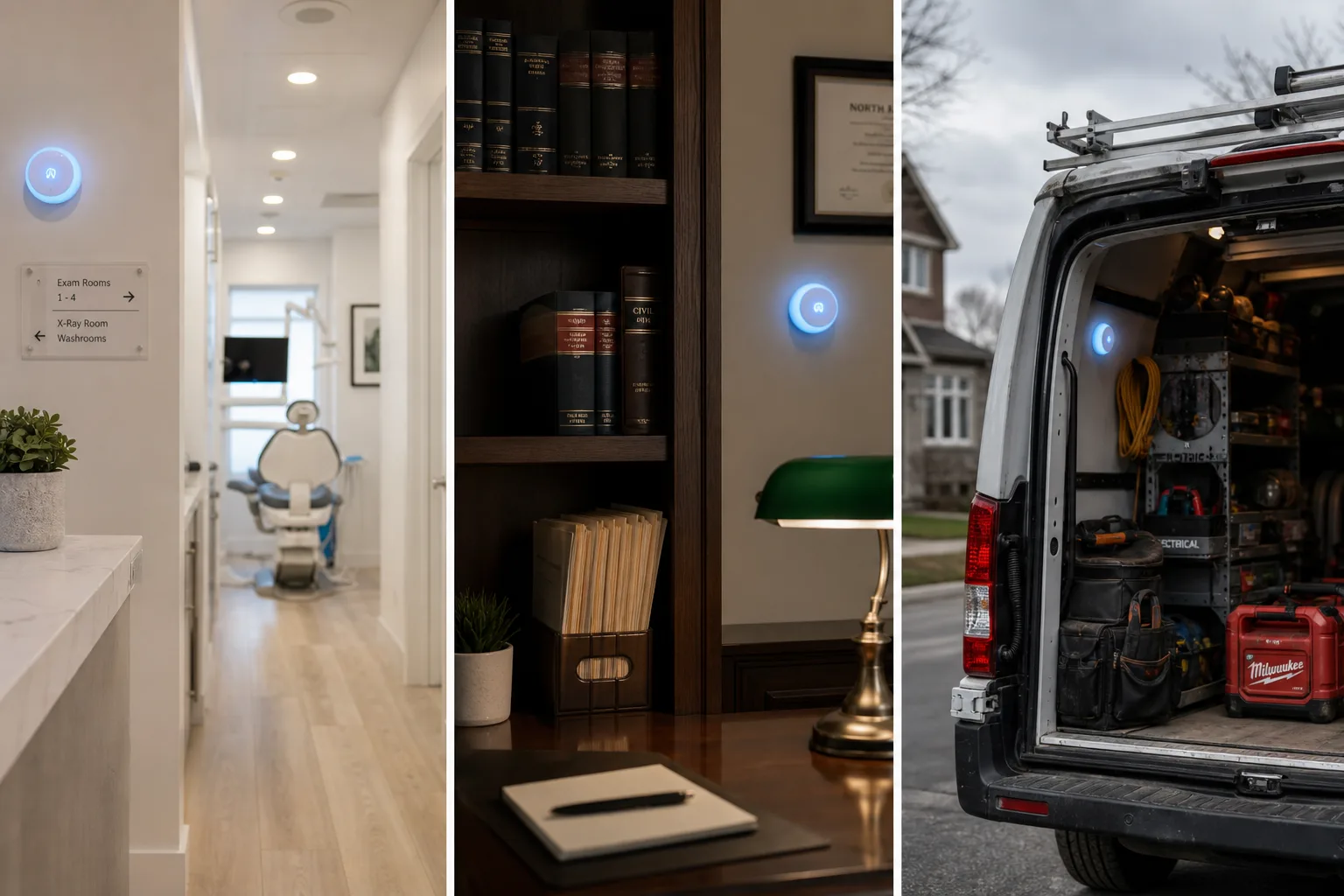
A dental clinic that misses calls during a busy lunch hour, a hair salon that can't answer while stylists are mid-appointment, a law firm that loses intake calls after 5 pm: these are exactly the scenarios an AI answering service solves. The AI books while the human staff focuses on the person in front of them.
Trades and home services with after-hours demand
For plumbers, electricians, HVAC techs, and general contractors, most high-value calls come after hours or during jobs when no one can pick up the phone. An AI receptionist can detect urgency keywords like burst pipe, no heat, or power out and route those calls immediately to your on-call number, while logging quote requests for the next morning. Platforms like Jobber and ServiceTitan are common integrations to confirm before signing up.
AI Receptionist vs. Human Receptionist vs. Hybrid Service
| Model | Availability | Cost | Consistency | Best for |
|---|---|---|---|---|
| AI receptionist | 24/7, no gaps | Low fixed cost | Very high | High call volume, routine inquiries |
| Human receptionist | Business hours | High (salary + benefits) | Variable | Complex, emotional, or sensitive calls |
| Hybrid service | Extended hours | Mid-range | High | Businesses needing both coverage and nuance |
AI wins on availability, cost, and consistency for routine calls. Human wins for nuance, empathy, and complex intake. Hybrid models, where AI handles the first layer and a human jumps in when needed, suit businesses that get a mix of simple and complicated calls.
For most Canadian small businesses, a pure AI receptionist handles the bulk of calls well. The Callacy comparison page breaks down how AI reception stacks up against other models in more detail.
How to Get Started Without Disrupting Your Business
Appointment-based service businesses, trades contractors, and high-call-volume clinics consistently get the fastest payback from AI reception. If calls are falling to voicemail or staff are too busy to pick up, the value shows up immediately.
What to prepare before your first call goes live
- Write down how you want calls answered: your business name, greeting style, and tone
- List the top 10 questions callers ask and how you'd answer them
- Decide which calls need immediate escalation and to which number
- Connect your calendar or booking system so appointments can be confirmed in real time
- Set your after-hours rules: message-taking, emergency routing, or both
Typical onboarding timeline
Most businesses are live within one business day once they've provided their script and calendar access. The first week is usually a tuning period where you review call transcripts and adjust the AI's responses based on what you're hearing.
You do not need to replace your existing phone number. Most AI receptionist platforms work by forwarding calls from your current number, so callers see no difference.
Why Callacy Was Built for Canadian Small Businesses
Most AI receptionists on the market were built for US businesses and adapted for Canada as an afterthought. Callacy started from the other direction: designed specifically for Canadian SMBs, with Canadian privacy requirements and bilingual needs in mind from the start.
The platform handles 24/7 call answering using human-like voice AI, books appointments directly into your calendar, qualifies inbound leads, and manages routine front-desk tasks without requiring any reception staff. It's aimed squarely at the kind of businesses that can't afford to miss a call but also can't justify a full-time hire: clinics, law offices, salons, and home services contractors.
If you want to hear how it sounds handling a real call for your type of business, that's the most direct way to decide. A live demo removes the guesswork.
Frequently asked questions
How much does an AI receptionist cost for a small business?
Pricing varies by model: flat-rate monthly plans, per-minute billing, and per-call structures are the main options. For predictable budgeting, most small businesses prefer a flat-rate plan. Always check what's included and ask about overage rates and add-on fees before committing. Visit the Callacy pricing page for a current breakdown.
Will my callers know they're talking to an AI?
Modern AI receptionists use natural-sounding voices that most callers don't immediately identify as AI, especially on routine tasks like booking or answering FAQs. Some providers disclose AI use upfront, which is worth considering for trust and compliance reasons. The best way to judge is to listen to a demo call yourself.
Can an AI receptionist book appointments directly into my calendar?
Yes, provided the platform integrates with your booking system. The AI checks real-time availability and confirms appointments during the call. Before signing up, confirm that your specific calendar or practice management software is supported. Dental practices using AI scheduling have reduced no-shows by 25% to 57%, which shows the operational impact is real.
Do I need to replace my existing phone system to use an AI receptionist?
No. Most AI receptionist platforms work via call forwarding from your existing number. Callers dial the same number they always have, and the AI answers on your behalf. There's typically no new hardware required.
Are AI receptionists compliant with Canadian privacy laws like PIPEDA?
It depends on the provider. You need to ask where call data is stored, whether the platform can sign a data processing agreement aligned with PIPEDA, and how they handle Quebec's Law 25 requirements. A Canadian-built platform is more likely to have these considerations built in from the start rather than retrofitted.
What happens when a call is too complex for the AI to handle?
A well-configured AI receptionist transfers the call to a designated human, sends an SMS alert, or takes a detailed message depending on your escalation rules. You set those rules during onboarding. For emergency situations like a trades call about a burst pipe, the AI should detect urgency keywords and route instantly to your on-call number.