Small Business Phone Answering Systems: 2026 Buyer's Guide to Your Options

A small business phone answering system is any setup that answers, routes or handles your inbound calls, from a basic auto attendant to a full time receptionist to an AI voice agent. If you're comparing options in 2026, the real question isn't which technology is fanciest. It's which one makes sure every caller reaches a helpful response, even at 9pm on a Sunday.
This guide walks through the main categories, what each one costs and where it breaks down, plus a practical checklist you can use on any vendor demo. If you already know you want the AI route, our roundup of the best AI phone answering service options goes deeper on that category.
What Is a Small Business Phone Answering System?
The term covers more ground than most people expect. It includes the person at your front desk, the 'press 1 for sales' menu on your landline, a cloud phone system, an outsourced team of live agents, and the newest category: AI voice receptionists that hold natural conversations with callers.
What they all share is one job: make sure an inbound call turns into a booked job, a captured lead or a resolved question, instead of a missed opportunity. The differences are in cost, coverage hours, and how well each handles the moments you're busiest.
Here's the problem this page solves. Small and mid sized businesses miss about 62% of calls, according to 411 Locals data cited by Numa. If your current setup only works when someone is free to pick up, you don't have an answering system. You have a phone.
The Real Cost of Missed Calls for Small Businesses
Missed calls hurt more than most owners realise, because callers rarely try twice. Nextiva reports that about 82% of people whose calls go unanswered do not call back and may contact a competitor instead. And when calls do reach voicemail, Moneypenny's small business call report found 69% of callers hang up without leaving a message.
Picture the everyday scenarios. A homeowner's water heater bursts at 7pm and your contracting line rings out: they call the next name on Google. A new patient phones your clinic during the lunch rush and gives up after four rings. A driver needs a tow quote on Saturday morning and your shop is closed.
To size the problem, do quick maths: average job value times your close rate. If a typical job is $400 and you book one in three inbound inquiries, each answered call is worth roughly $130. Miss five calls a week and you're waving goodbye to real money.
Your Main Phone Answering Options, Explained
You have five realistic categories to choose from. Each solves a different version of the problem.
- In house staff: a receptionist who knows your business inside out, but costs a full salary and only works set hours.
- Auto attendants and IVR menus: cheap and always on, but they route calls rather than answer them.
- VoIP phone systems: flexible cloud calling with menus, queues and apps, but a human still has to pick up.
- Live answering services: real people answering 24/7, billed per minute or per call.
- AI voice receptionists: software that converses naturally, books appointments and qualifies leads around the clock.
The how it works page shows the AI category in action if you want a concrete picture before reading on.
Traditional options: in house staff, auto attendants, and VoIP systems
Hiring in house gives you the best caller experience and the worst economics for a small team. You're paying a full salary plus benefits for coverage that stops at 5pm, during lunch, on sick days and holidays. For a business where the phone rings six times a day, that's a lot of cost per answered call.
Auto attendants and VoIP systems solve routing, not answering. A small business phone system with auto attendant greets callers and offers menu options, which works fine for 'press 2 for opening hours'. But anyone with a real question still ends up in a queue or a voicemail box, and menu fatigue is real: callers abandon IVR menus quickly, especially on mobile. A small business phone system VoIP setup adds flexibility (take calls on your mobile, ring multiple devices) yet the fundamental gap remains. Someone still has to be free to talk.
Live answering services and virtual receptionists
Live services put a trained human on your line around the clock. They're genuinely good for sensitive intake, like a law firm's first call from a distressed client, and they handle odd requests an AI might fumble.
The trade offs are cost structure and depth. Most bill per minute, so a chatty month or a spam wave inflates your invoice. Agents also work from scripts across dozens of clients, so they can take a message but usually can't book into your calendar or qualify a lead with your exact questions. AI receptionists sit in the newest category: flat subscription pricing, 24/7 coverage, and built in booking and qualification. Callacy's AI phone answering is one example of how that model works.
How Much Does a Small Business Phone Answering System Cost?
Pricing structures differ wildly by category, which is why comparing sticker prices misleads. VoIP systems charge per user per month, so costs scale with headcount whether or not anyone answers. Live answering services bill per minute, often with a low base rate that balloons with overage charges. AI receptionists typically charge a flat monthly subscription, which makes budgeting predictable. An in house hire is the most expensive option once you add salary, benefits, training and the coverage gaps you still pay to fill.
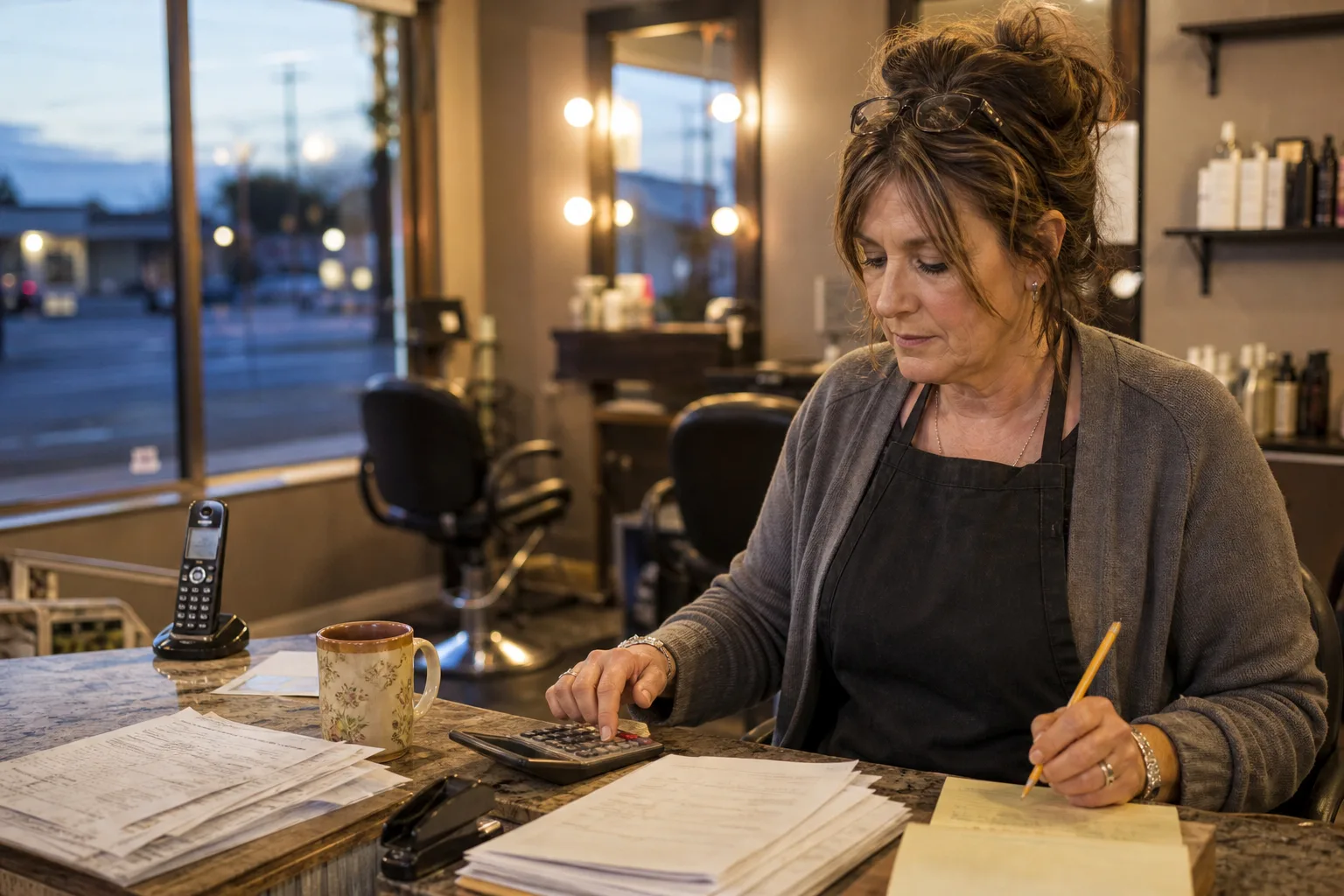
Watch for hidden fees everywhere: setup charges, per minute overage rates, contract lock ins, and extra costs for appointment booking or bilingual agents. Ask every vendor for a sample invoice, not just a rate card.
Free trials are your low risk evaluation path. A month of real calls tells you more than any demo. You can compare Callacy's pricing structure to see what flat rate AI answering looks like, and our breakdown of AI answering service cost per month explains the maths in detail.
Features That Actually Matter When Comparing Systems
Feature lists are long. These are the ones that change your day to day.
- Call routing and escalation: urgent calls reach your mobile instantly; routine ones don't.
- Appointment booking with real calendar sync: the system books into actual availability, not a callback list.
- Lead capture and qualification: it asks your questions (service needed, location, urgency) so you call back warm leads, not cold names.
- CRM and software integrations: call details flow into the tools you already use.
- Spam filtering: robocalls never touch your bill or your team.
- Recordings and transcripts: you can verify quality and train staff on real conversations.
- Multilingual support: matters if your customer base spans languages.
- Compliance certifications: nonnegotiable for healthcare and legal.
On that last point, call transcripts are underrated. They turn every call into searchable text you can audit, share and learn from.
Which System Fits Your Business? A Decision Framework
Match the system to your call pattern, not to a vendor's marketing. Solo operator with light volume and simple questions? An AI receptionist or basic auto attendant covers you. Multi line office with staff who can pick up? A VoIP system with good routing may be enough. Appointment heavy practice? Prioritise real calendar booking above everything. Emergency dispatch home services? You need 24/7 answering with instant escalation, which rules out anything that relies on your team being awake.
Industry shapes the answer too. Healthcare needs HIPAA aware handling and careful triage of urgent symptoms. Legal intake rewards speed: the first firm to respond usually gets the client. Home services live and die by after hours dispatch. Automotive shops need quote capture while technicians are under cars. Schools field repetitive questions an AI handles happily.
Matching the system to your call volume and industry
Volume tips the economics. Under roughly 50 calls a month, per minute live answering can be reasonable, though flat rate AI is usually simpler. Between 50 and a few hundred calls, AI subscriptions win on cost per call. Above that, compare AI against a hybrid: AI handles routine calls, humans handle exceptions.
For regulated fields, verify claims directly. If you're in healthcare, ask vendors exactly how their AI receptionist for healthcare handles patient data, and get compliance answers in writing before any trial.
A quick self assessment checklist
Use this on any vendor demo or trial:
- Call the system yourself after hours. Does a helpful response answer, or a menu?
- Ask it to book an appointment. Does it check real availability?
- Describe an urgent scenario. Does it escalate to a human fast?
- Check the integrations list against your calendar and CRM.
- Judge voice quality honestly: would your customers stay on the line?
- Request a sample invoice showing every fee.
- Confirm what happens to call recordings and transcripts.
How to Get Up and Running Without Disrupting Your Phones
Setup is less scary than it sounds. You rarely need to port your number. Most businesses start with call forwarding: send unanswered, busy or after hours calls to the new system while your existing line stays put. That means zero downtime and an easy exit if the trial disappoints.
Configuration is where the value lives. Record or approve your greeting, define your call flows (what counts as urgent, who gets escalations), connect your calendar and CRM, and load your qualification questions. Then test before going live: call in as a new customer, an emergency and a spammer.
Time to launch varies by category. VoIP systems take days to weeks with hardware and number porting. Live services need script onboarding, usually a week or two. Cloud and AI systems need no hardware at all and often run within days, alongside your existing number, during a trial.
Frequently asked questions
What is the best phone answering system for a small business?
There's no single winner, because the best system matches your call volume and industry. For most small service businesses that miss calls during busy hours and after closing, an AI receptionist offers the best mix of 24/7 coverage, booking ability and predictable flat pricing. High touch legal intake may still justify live agents, and a staffed office may only need better VoIP routing.
How much does a small business phone answering system cost?
Costs vary by structure rather than a single number. VoIP runs per user per month, live answering bills per minute with overage risk, AI receptionists charge flat monthly subscriptions, and in house staff cost a full salary plus benefits. Always request a sample invoice to expose setup fees and contract lock ins before committing.
What is the difference between an auto attendant and an AI receptionist?
An auto attendant plays a recorded menu and routes calls based on keypad presses. It can't answer questions, so callers with real needs still hit voicemail or hang up. An AI receptionist holds an actual conversation: it answers questions, books appointments into your calendar and qualifies leads, any hour of the day.
Is there a free AI answering service for small businesses?
Genuinely free ongoing services are rare and usually too limited for real business use. The practical route is a free trial: Callacy offers a free trial month, so you can forward your line, listen to real call recordings and judge booking quality before paying anything.
Can an AI receptionist book appointments and qualify leads?
Yes, the good ones do both natively. They sync with your calendar to offer real availability and book confirmed slots, then ask your qualification questions (service type, location, urgency, budget) so every lead arrives warm. See how AI appointment booking and AI lead qualification work in practice.
Are AI phone answering services HIPAA compliant?
Some are built for healthcare and some aren't, so never assume. Ask vendors directly how they handle patient data, whether they'll sign a business associate agreement, and where recordings are stored. Get the answers in writing before you trial any system with patient calls.