Best HVAC Answering Service in 2026: AI, Human, or Hybrid?
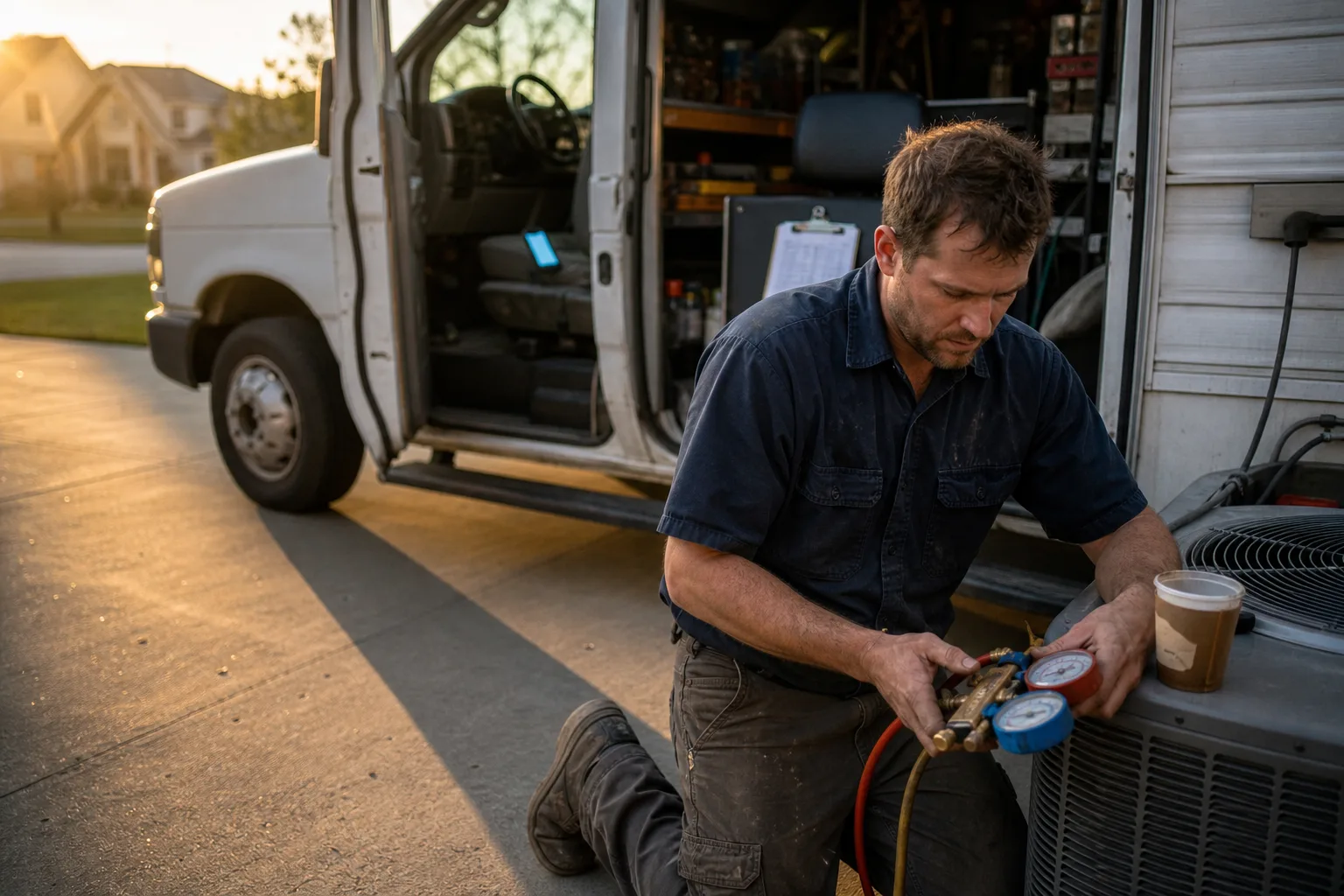
The best HVAC answering service for your shop depends on three things: your call volume, how you handle after hours emergencies, and whether you need bookings written straight into your scheduling software. For most small to mid sized HVAC companies in 2026, an AI receptionist or hybrid setup covers more calls at a lower, more predictable cost than a traditional human service.
Here's the problem you're actually solving. Testing across 600 plus after hours calls found that roughly 62% of calls to an HVAC business land after 5 PM, on weekends, or on holidays, exactly when nobody's in your office. Every one of those missed calls is a homeowner dialing the next contractor on the list.
This guide breaks down what these services do, how the three types compare, what they realistically cost at different call volumes, and how to test emergency dispatch before you commit.
What an HVAC Answering Service Actually Does
An HVAC answering service answers your phone when you can't: after hours, during peak season, or while your office manager is already on another line. It books appointments, captures lead details, and routes true emergencies to your on call tech. Think of it as a front desk that never goes home.
Core capabilities: booking, lead capture, and dispatch
A solid HVAC phone answering service handles four jobs. It picks up every call within a few rings, qualifies the caller (new install quote versus repair versus maintenance), books the job into your calendar, and escalates emergencies like a no heat call in January. The better services also send you a summary of every call so nothing slips through.
Why missed calls cost HVAC shops more than most industries
HVAC demand is urgent and seasonal. When a furnace dies at 9 PM, the homeowner isn't leaving a voicemail and waiting. Industry research compiled by Invoca found that 85% of callers who hit voicemail never call back, and contractors who respond within 5 minutes are 100 times more likely to qualify the lead than those who wait 30 minutes or more. Speed is the whole game.
AI vs Human vs Hybrid: Which Type Fits Your HVAC Business
You have three options in 2026: a traditional human answering service, an AI voice receptionist, or a hybrid where AI handles routine calls and humans take the tricky ones. None is universally best. The right choice depends on your call patterns and how emotional your callers get.
How AI answering handles HVAC calls in 2026
A modern AI answering service for HVAC companies picks up instantly, follows your exact script every time, and handles unlimited simultaneous calls. That last point matters during a heat wave, when per the Air Conditioning Contractors of America, peak season call volume spikes 2 to 3 times baseline. AI doesn't put callers on hold, and it typically costs a flat monthly fee rather than per minute.
Where human receptionists still win
Humans still have an edge with highly distressed callers, complex multiparty situations (a landlord, tenant, and property manager on one job), and callers who ramble far off script. A hybrid model gives you AI speed and cost for the 80% of routine calls, with human backup for the rest. If your shop runs under about 50 calls a month and budget is tight, start with AI. If you handle commercial contracts with layered approvals, consider hybrid.
HVAC Answering Service Costs: Pricing Models Explained
HVAC answering service costs follow three billing models, and the cheapest one depends entirely on your call volume and average call length. Before you compare anything, pull your last three months of call logs so you're working with real numbers.
Per minute vs per call vs flat subscription
- Per minute: you pay for talk time. Fine for short calls, painful when a chatty homeowner burns 8 minutes describing a rattling compressor.
- Per call: a fixed fee per answered call, often with a time cap. Predictable, but overage charges kick in on long calls.
- Flat subscription: one monthly fee for a set of features or unlimited calls. Easiest to budget, and the model most AI services use.
Ask every provider about setup fees, after hours or holiday surcharges, and dispatch fees for patching your on call tech. Those extras change the math more than the headline rate.
Worked cost examples at three call volumes
At 50 calls a month, per minute or per call billing usually wins because your total usage is low. At 150 calls, the models converge, and the deciding factor becomes average call length. At 400 calls a month, a flat subscription almost always costs less, because per minute bills scale linearly while the subscription stays put. Run your own numbers against each model, and check the monthly cost breakdown for AI answering services for a deeper walkthrough.
After Hours Emergency Dispatch: The Feature That Matters Most
Everything else on the feature list is secondary to this: can the service get a 2 a.m. no heat call to your on call tech in under two minutes? An HVAC after hours answering service lives or dies on dispatch, and the setup logic is similar to 24/7 after hours call dispatching in other trades.

How a 2 a.m. no heat call should be handled
Here's what a good end to end flow looks like. The AI or agent answers immediately and triages: no heat, house at 48 degrees, newborn in the home. That's an emergency, not a morning callback. It captures the address, system type, and callback number, then calls or texts your on call tech with the details. If the tech doesn't confirm within a set window, it escalates to your backup contact. The caller gets a confirmation that help is on the way, and you wake up to a full call summary.
Setting up escalation rules for your on call rotation
- Define what counts as an emergency in plain language: no heat below a temperature threshold, no cooling with elderly occupants, gas smells, water from a failed unit.
- Build your on call rotation into the service so the right tech gets the call each week.
- Set a confirmation timeout (5 to 10 minutes) and a backup contact chain.
- Run a live 2 a.m. test call before you trust it with real customers.
Integrations and Intake: What Separates a Great Service from a Generic One
A generic service emails you a message. A great one writes the booking directly into your field service software, matches the caller to an existing customer record, and logs the call summary on the job. That difference decides whether your morning is smooth or spent retyping notes.
ServiceTitan, Housecall Pro, and Jobber connectivity
Ask exactly how the service connects to your software. Direct integration means the appointment lands on your ServiceTitan, Housecall Pro, or Jobber calendar with the customer's details attached. A weaker setup sends an email or webhook that your office still has to enter by hand, which recreates the double handling you were trying to eliminate. Test this during any trial with a real booking.
What a strong HVAC intake script captures
- Issue type and symptoms in the caller's own words
- System type, brand, and approximate age
- Urgency: emergency, this week, or flexible
- Warranty or maintenance plan status
- Service address and gate or access notes
- Preferred time window and best callback number
If a provider can't customize the script to capture these fields, keep looking.
How to Choose: An HVAC Buyer's Evaluation Checklist
Bring this checklist to every demo call. It works for any provider, AI or human.
- Dispatch capability: can it patch or message your on call tech, and can you run a live emergency test before signing?
- Script customization: will it capture the HVAC intake fields above, in your wording?
- Integration depth: does it write bookings into your calendar, or just email you?
- Bilingual support: English and Spanish answering matters for a lot of HVAC customer bases.
- Surge capacity: what happens when a heat wave triples your calls in one afternoon?
- Contract terms: month to month versus annual lock in, plus cancellation fees.
- Free trial or pilot: never buy without testing real calls first.
When NOT to buy: if you're a solo operator who answers every call personally and books out fine, or your volume is under roughly 20 calls a month with no after hours demand, an answering service is overhead you don't need yet. Revisit when you start missing calls.
If you're switching providers, overlap the old and new service for a week and forward calls gradually so customers never hit a dead line. Our guide to choosing an AI phone answering service covers the switch in more detail.
Why HVAC Companies Choose Callacy
Callacy is an AI first option built around the checklist above. Its AI voice receptionist answers every call 24/7, books appointments directly, qualifies leads, and handles emergency triage with call routing to your on call tech, so the 2 a.m. no heat scenario runs exactly as described earlier.
Pricing is a flat subscription with a free trial month, which maps to the cost model that wins at higher call volumes. You can see the current plans on the Callacy pricing page and test the service on your real calls before paying anything.
Coverage spans the United States, Canada, and New Zealand, and the AI receptionist for HVAC companies comes with intake scripting you can tailor to your dispatch rules, maintenance plans, and service area. For shops comparing broader options, the rundown of AI answering for home service businesses is a useful next read.
Frequently asked questions
What is the average cost for an HVAC answering service?
Costs vary by billing model: per minute, per call, or flat subscription. Low volume shops often pay less on usage based plans, while shops above a few hundred calls a month usually save with a flat subscription. Ask about setup fees, after hours surcharges, and dispatch fees, since those change the real total.
Is there an AI answering service for HVAC technicians?
Yes. AI voice receptionists now handle HVAC specific workflows: triaging no heat and no cool emergencies, booking jobs into your calendar, capturing system details, and messaging your on call tech. Callacy is one example, with a free trial month so you can test it on real calls.
Is an answering service worth it for a small HVAC company?
Usually yes, because the math is brutal: roughly 62% of HVAC calls arrive after hours or on weekends, and 85% of callers who reach voicemail never call back, per industry research compiled by Invoca. One captured emergency job can cover months of service fees. The exception is very low call volume where you personally answer everything.
Can an answering service dispatch my on call technician during emergencies?
Good ones can. The service triages urgency, captures the address and system details, then calls or texts your on call tech and escalates to a backup if there's no confirmation within your set window. Always run a live 2 a.m. test call before going live.
Will an answering service integrate with ServiceTitan, Housecall Pro, or Jobber?
Many do, but depth varies. The best setups write bookings directly into your calendar and match customer records automatically, while basic ones just email you a message. Confirm the exact integration behavior during your trial with a real test booking.
How do I switch answering services without disrupting my customers?
Overlap the two services for about a week. Port or forward your number gradually, run the new service on overflow calls first, and test emergency dispatch before cutting over fully. Your customers should never notice the change.