Call Routing and Escalation: The Complete Guide for Australian Businesses (2026)

Call routing decides where an incoming call goes. Call escalation decides what happens when that call is not answered or needs someone with more authority. Together, they form the workflow that stops calls dying in voicemail while a paying customer hangs up and rings your competitor.
If you run a trade business, clinic, agency or real estate office in Australia without a dedicated receptionist, getting call routing and escalation right is the difference between a booked job and a lost one. This guide walks through the process step by step, gives you an escalation tree template you can copy, covers what a written policy should include, and explains how to choose between phone menus, on call tools and AI receptionists.
What call routing and escalation actually means
Call routing is the set of rules that sends each call to the right person or place: the on call plumber, the bookings line, the practice manager. Escalation is the safety net underneath it. When the first person does not answer, or the caller's problem is urgent enough to need higher authority, the call climbs a defined chain until someone handles it.
Think of routing as the address on an envelope and escalation as the 'return to sender with instructions' plan. You need both. Routing without escalation means missed calls. Escalation without routing means every call interrupts everyone.
The cost of getting this wrong is real. Salesforce research found 83% of customers expect to engage with someone immediately when contacting a company, and nearly 70% of customers say they get frustrated when transferred between departments and forced to reexplain their issue, according to Zendesk. For a sparkie or a physio clinic, one mishandled transfer can be the whole job.
The call routing and escalation process, step by step
Here is the full call routing and escalation process, from the moment the phone rings to the moment the call is safely resolved.
- Intake. Answer the call and capture who is calling and why. This can be a person, a phone menu or an AI receptionist asking in plain language.
- Triage. Classify the call by type and urgency: emergency, same day, routine booking, general enquiry.
- Apply routing rules. Send the call to the right responder using skill based, priority, time based or round robin rules.
- Ring the primary responder. Give them a fair window to answer, usually 20 to 30 seconds.
- Escalate on trigger. No answer, or urgency above a threshold, moves the call to the secondary responder.
- Land on a safe fallback. If nobody answers, the call goes to voicemail to text, an SMS alert fires, and a next morning recap makes sure it is actioned.
A concrete example: a burst pipe at 9pm triages as an emergency and rings the on call tradie, then the owner, then triggers an SMS to both. A routine booking request at the same hour takes a message and books a callback slot. Same phone line, completely different paths.
Building your call routing and escalation tree
A call routing and escalation tree maps who gets each call type, in what order, with what timeouts. Keep it shallow: three levels is plenty for a team of 2 to 15 people. Here is a template you can copy.
| Call type | Primary (20 to 30 sec) | Secondary (20 to 30 sec) | Final fallback |
|---|---|---|---|
| Emergency (safety, flooding) | On call technician | Business owner | SMS alert to both + voicemail to text |
| Same day urgent | Senior team member | Owner | SMS + priority callback list |
| Routine booking | Bookings owner or AI agent | Any available staff | Message + next morning recap |
| General enquiry | Whoever is free | Office manager | Voicemail to text |
Two rules make this work. First, total escalation windows should stay under two minutes, because callers hang up. Second, the fallback must never be silence. Every call ends somewhere a human will see it: a text, an email, a task list. If you use an AI phone answering service, the AI can run this entire tree itself, triaging in natural language and only waking a human when thresholds are met.
Writing a call routing and escalation policy
A call routing and escalation policy turns your tree into a one page document any new hire, temp or AI agent can follow. Without it, your process lives in one person's head and breaks the day they take leave.
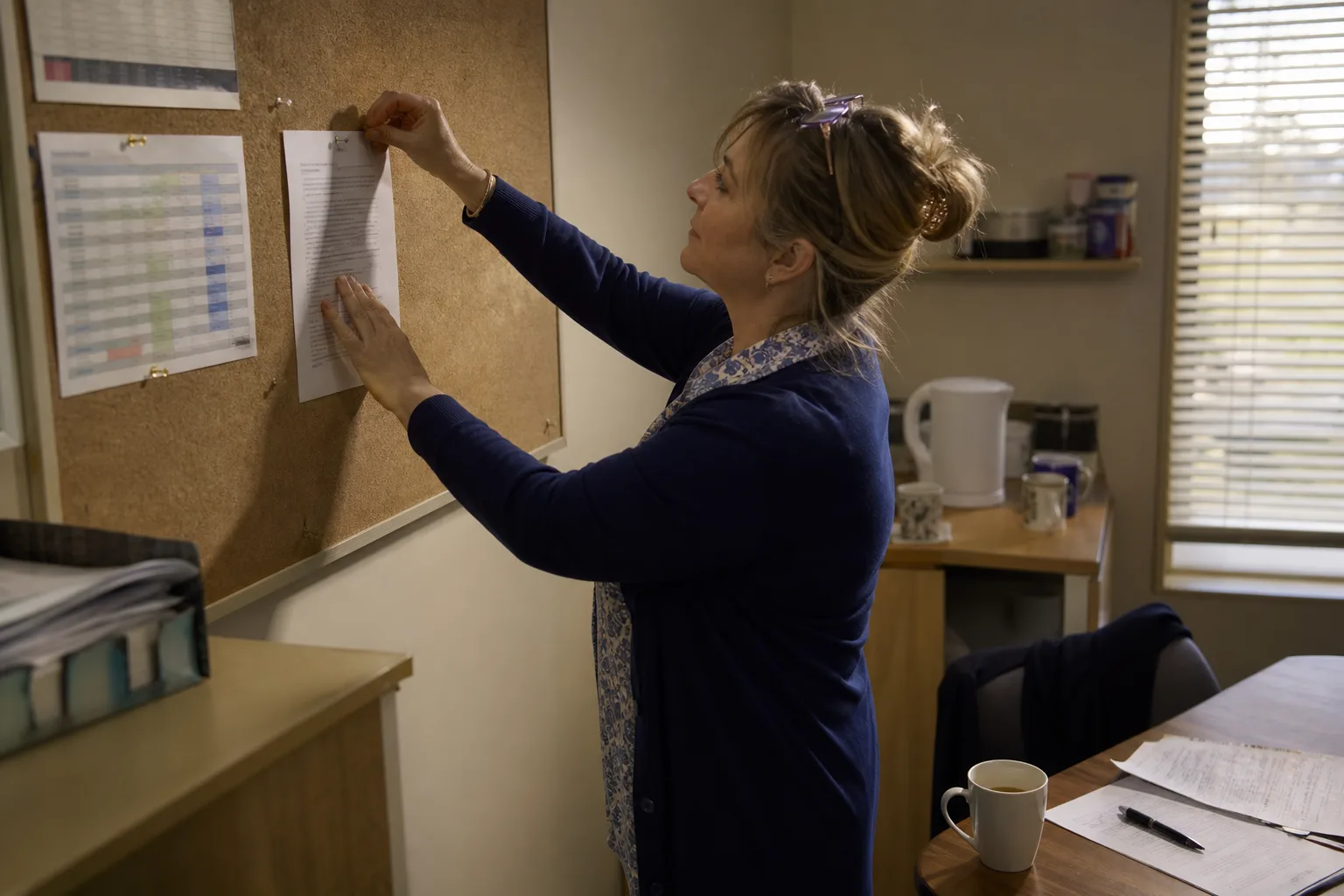
Your policy should contain six things:
- Call categories and urgency definitions. Spell out what counts as an emergency versus urgent versus routine, with real examples from your business.
- Ownership. Name who owns each category, primary and backup.
- Response time expectations. For example: emergencies answered live or escalated within 60 seconds, routine enquiries returned within one business day.
- After hours rules. Which call types interrupt people at night, and which wait until morning.
- Documentation. Where call details get logged so nothing is lost between shifts.
- Review cadence. A monthly check of missed calls and escalation outcomes.
Write it in plain language and pin it where the team actually looks. The test: could someone who started yesterday follow it at 2am?
Choosing call routing and escalation software
The best call routing and escalation software for you depends on call volume, urgency mix and staffing. There are three main categories.
- Traditional IVR and phone trees. Callers press 1 for bookings, 2 for emergencies. Cheap and predictable, but callers hate menus and the system cannot tell a burst pipe from a dripping tap.
- On call alerting platforms. Built for technical teams. They rotate on call rosters and escalate unacknowledged alerts. Great for IT and maintenance, less suited to customer facing calls.
- AI voice receptionists. The AI answers every call, asks what the caller needs in natural language, books jobs, and escalates to humans only when your thresholds are met. Best fit for service businesses with mixed call types and no receptionist.
For call routing and escalation for Salesforce or any CRM, check that call outcomes, caller details and transcripts log automatically against the contact record. A CRM integration for your call handling means no one retypes notes and the next person who speaks to that customer has full context. On call routing and escalation costs, most tools price per user, per call volume tier or per minute, with AI receptionists usually on flat monthly subscriptions. Expect setup effort and integration depth to move the price more than headline features. You can see how subscription pricing works on the Callacy pricing page.
Best call routing and escalation strategy: metrics and mistakes
The best call routing and escalation strategy is measured, not assumed. Track four numbers monthly: missed call rate, time to answer, escalation rate (how often the first person cannot resolve it) and resolution time. If escalations run above roughly a third of calls, your routing rules are sending calls to the wrong first responder.
Common mistakes that break escalation chains:
- Routing everything to the owner, so they become the bottleneck and burn out.
- Trees five levels deep, where callers hang up before anyone answers.
- No fallback, so unanswered calls vanish with no record.
- Never testing the chain, so the first real emergency reveals a dead number.
- Ignoring recordings and transcripts, which are gold for refining triage rules.
This week's checklist: write your urgency definitions, map your three level tree, set 20 to 30 second ring timeouts, nominate a fallback that creates a written record, and place one test call after hours.
Reviewing call transcripts each month shows you exactly where triage went wrong, and reading about how AI receptionists work in Australia gives you a sense of how much of this chain software can now run for you.
Frequently asked questions
What is the difference between call routing and call escalation?
Routing decides where a call goes in the first place, based on rules like caller intent, time of day or staff skills. Escalation decides what happens next when that call is not answered or needs higher authority. You need both working together: routing gets the call to the right door, escalation makes sure someone eventually opens one.
How do I build a call routing and escalation tree for a small business?
List your call types, assign a primary, secondary and final fallback responder to each, and set ring timeouts of 20 to 30 seconds per step. Keep the whole chain under two minutes and make sure the fallback always creates a written record, like an SMS alert or voicemail to text. The template table in this guide is a good starting point.
What should a call routing and escalation policy include?
Six things: call categories with clear urgency definitions, named owners for each category, response time expectations per level, after hours rules, documentation requirements, and a monthly review cadence. Keep it to one page so a new hire or an AI agent can follow it without asking questions.
How quickly should an escalated call be answered before it moves to the next person?
Twenty to thirty seconds per step is the sweet spot. That is roughly four to six rings: long enough for someone to genuinely answer, short enough that the caller does not hang up. Cap the total escalation window at around two minutes before the call lands on a safe fallback.
Can an AI receptionist handle call routing and escalation without human staff?
Yes, for most routine and urgent call types. An AI receptionist answers every call, triages intent in natural language, books appointments and escalates to a human only when your defined thresholds are met, such as a genuine emergency. Humans stay in the loop for the calls that actually need them, and you can read how AI phone agents handle multiple calls at once during busy periods.
How does call routing and escalation integrate with Salesforce or other CRMs?
Good setups log the caller, the call outcome, the escalation path and a transcript directly against the contact or job record. That means the next person who deals with the customer sees the full history without retyping notes. Check any tool's integration options before you commit, because manual logging is where escalation records go to die.